Feedback forms are tools businesses use to collect individual opinions, evaluations, or reactions about specific businesses, products, services, experiences, or events. They help teams spot issues, track satisfaction trends, and hear straight from the people who use your product or service every day.
Customer feedback is the GPS of customer and employee service. You might have a destination in mind, but without collecting insights from your customers, employees, and other stakeholders, it can feel like driving in a new city without a map.
Customer feedback forms help you collect the right information so you can know the best route, avoid roadblocks, and discover hidden gems along the way to exceptional experiences.
Whether you’re a hustling startup or a large enterprise, these forms are your direct line to understanding needs, spotting opportunities, and hearing the Voice of the Customer (VoC). Our guide shows how to create powerful feedback forms and provides access to 25 customizable templates your audience will actually want to fill out, putting you on the best road to success.
More in this guide:
What is a feedback form?
Types of feedback forms
How can I create a feedback form?
What makes a feedback form work well?
Feedback form best practices
25 feedback form templates to encourage responses
What to include in feedback forms
Start collecting essential feedback today
Types of feedback forms
Feedback forms come in all shapes and sizes, depending on the audience and the insights you’re looking to gather. From quick feedback forms to in-depth questionnaires, these tools help businesses create inclusive surveys that gather valuable data for every employee, stakeholder, and customer touchpoint. Here are the main types you’ll encounter:
Customer feedback forms: These forms, including post-purchase surveys and website exit polls, help businesses understand customer satisfaction.
Employee feedback forms: These internal tools measure workplace satisfaction, identify areas for improvement, and help boost employee engagement.
Product feedback forms: These can gather insights about product features, usability, and potential improvements, these forms help shape product development based on user experience.
Peer feedback forms: These are essential for professional development and team dynamics, these forms facilitate constructive feedback between colleagues.
Email survey forms: These are embedded directly in emails or linked within them, providing a convenient way to gather quick responses.
Anonymous feedback forms: Designed to protect the respondent’s identity, these forms encourage more honest and unfiltered feedback, especially on sensitive topics.
Training feedback forms: These are used to assess the effectiveness and value of training programs, helping to refine content and delivery for future sessions.
The key for each type of feedback form is to tailor them to their specific purposes, ensuring you ask the right questions of the right audience to get the most valuable feedback.
How can I create a feedback form?
Creating an effective employee or customer feedback form is pretty simple. All it takes is a clear plan, and you can design a feedback tool that captures the key information you need.
Define your goals and objectives: Know exactly what you want to learn, whether it’s feedback on a product, service interaction, or customer experience. Your goals will shape your questions and how you use the responses.
Choose a platform: Pick a tool that fits your needs. Google Forms is free and easy to use. SurveyMonkey offers advanced features, integrates with Zendesk, and supports more detailed customer feedback analysis. You can also start with our customizable, ready-to-use templates.
Design the customer feedback form: Keep it brief so the user isn’t spending more than 5–10 minutes filling it out. Use clear, simple language, choose the right question types, add branding and white space, and make sure it’s mobile-friendly.
Distribute the form: Reach users where they are on channels like email, live chat, your website, in-app links, or social media.
Analyze feedback: Review responses regularly to identify trends and recurring issues. Use data visualization tools to create clear reports and track key metrics.
Implement feedback: Take action based on the feedback you receive. Implement changes to genuinely improve your products, services, or the customer experience.
What makes a feedback form work well?
A strong feedback form is efficient for your team and respectful of your audience’s time. When thoughtfully designed, it becomes a valuable tool for collecting customer insights you can actually use.
Have a clear purpose
Start with clarity. Define what you’re trying to learn and who you’re asking. That focus will guide every question you include, keeping the form relevant and aligned with your goals. Tailoring the content to your audience ensures meaningful and actionable responses.
Use simple, straightforward language
Respondents are more likely to complete forms that are clear and quick to fill out. Use plain language, keep instructions direct, and structure questions in a logical flow. The most useful forms prioritize essential questions and are timed thoughtfully, such as after a customer interaction or product experience.
Provide a clean, easy-to-use design
People are more likely to fill out a feedback form when it looks good and is easy to use. Stick to your brand’s colors and fonts, use whitespace to keep things readable, and make sure it works well on mobile. Optional fields can be a helpful way to keep things flexible, especially for sensitive topics or long-form answers.
Balance your question types
Varying your question formats helps collect both quantitative and qualitative data. Multiple-choice questions and rating scales are quick to answer and easy to analyze. Open-ended questions offer space for deeper insight, allowing respondents to express things you might not have thought to ask.
Gather actionable insights
The most effective customer surveys ask the right questions that collect the most helpful feedback. Instead of asking for vague opinions, focus on prompts that invite clear suggestions or describe specific experiences. This makes it easier to spot trends and turn feedback into updates that actually improve the customer experience.
Feedback form best practices
To gather the most valuable insights, you need to craft visible feedback forms that encourage honest, actionable responses and respect your respondents’ time and privacy. Follow these best practices to learn how to get customer feedback and also how to get better feedback.
Leverage AI and automation: Modern AI tools can identify sentiment trends, analyze response patterns, and generate actionable insights from AI analytics. Automate distribution schedules and use AI customer feedback analysis to transform raw feedback into digestible reports that drive decision-making.
Use an omnichannel approach: Create an omnichannel experience by meeting your audience where they are and adapting your feedback forms to the strengths of each distribution channel. For example, an SMS survey should prioritize brevity and simplicity, while a web-based questionnaire can include richer content and interactive elements to gather more nuanced feedback.
Prioritize form design: A well-designed feedback form should maintain visual consistency while ensuring clarity and accessibility across all devices. Use your brand colors, fonts, and tone of voice to create a cohesive experience that builds trust and reinforces brand recognition.
Offer incentives: Boost response rates by providing meaningful, unbiased participation rewards that match your audience’s interests, such as discount codes, exclusive content, or entry into prize draws.
Keep it short and simple: Less is more for feedback forms, so limit questions to those necessary for your goals. Use clear, jargon-free language and familiar rating scales to make completion quick and intuitive.
Encourage open-ended responses: Include thoughtfully placed free-text fields that invite detailed feedback, in-depth responses, and new insights not directly related to your form’s questions.
Offer anonymous forms: Giving respondents the option to remain anonymous, especially during internal surveys or when asking for critical or sensitive feedback, encourages more honest responses.
Make fields optional: Reduce form abandonment by letting respondents skip questions they’re uncomfortable answering or don’t find relevant. Required fields should be limited to only the most essential information.
Include a progress bar or estimated completion time: Let respondents know what to expect. A simple progress bar or a quick “2-minute survey” estimate can significantly increase completion rates by managing expectations.
Optimize for mobile devices: Ensure your feedback forms are fully responsive and easy to navigate on smaller screens, with large enough buttons and text for a smooth mobile experience.
Test before launch: Always test your form on various devices and browsers to catch any glitches or confusing elements before you send it out to your audience.
From gatheringcustomer insights to collecting employee feedback, these proven practices can improve response rates and help you collect real-time data to make better business decisions.
25 feedback form templates to encourage responses
Whether you want to measure customer experience (CX) or improve internal processes, feedback forms can help you gather real, relevant insights. Our list of feedback form templates is ready to use and can be adapted to your specific needs, so you can learn what’s working and what needs attention.
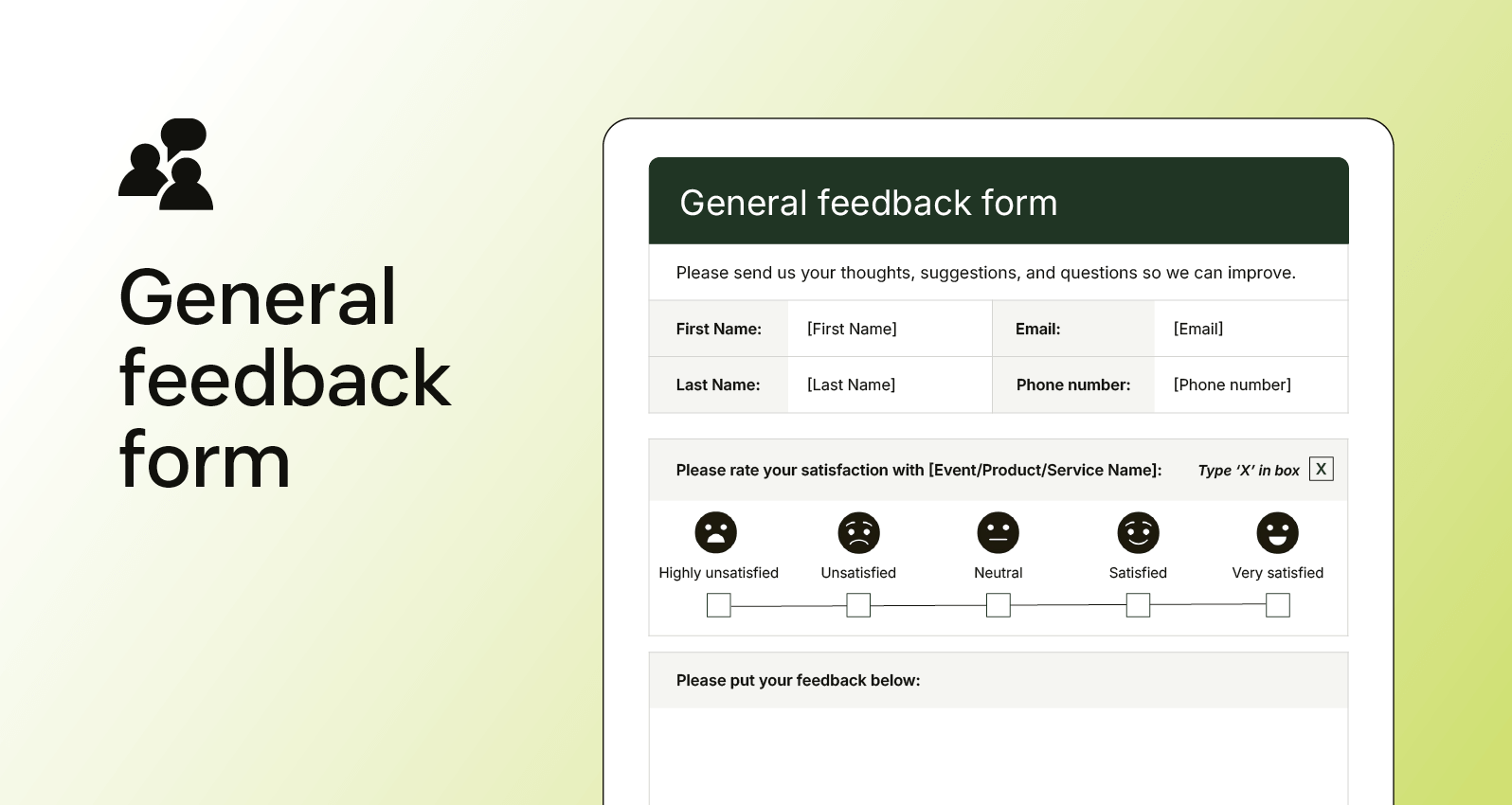
A general feedback form offers a broad canvas for collecting opinions on products, services, or experiences. It’s especially useful when you don’t want to steer respondents too narrowly.
The key areas to cover in a general feedback form are:
Broad rating scales
Comment boxes for any topic
Optional name or contact details
These are perfect for collecting post-event or general service feedback, or whenever you want to keep the conversation broad and let respondents steer the topic.
2. Anonymous feedback form
Download Feedback Forms
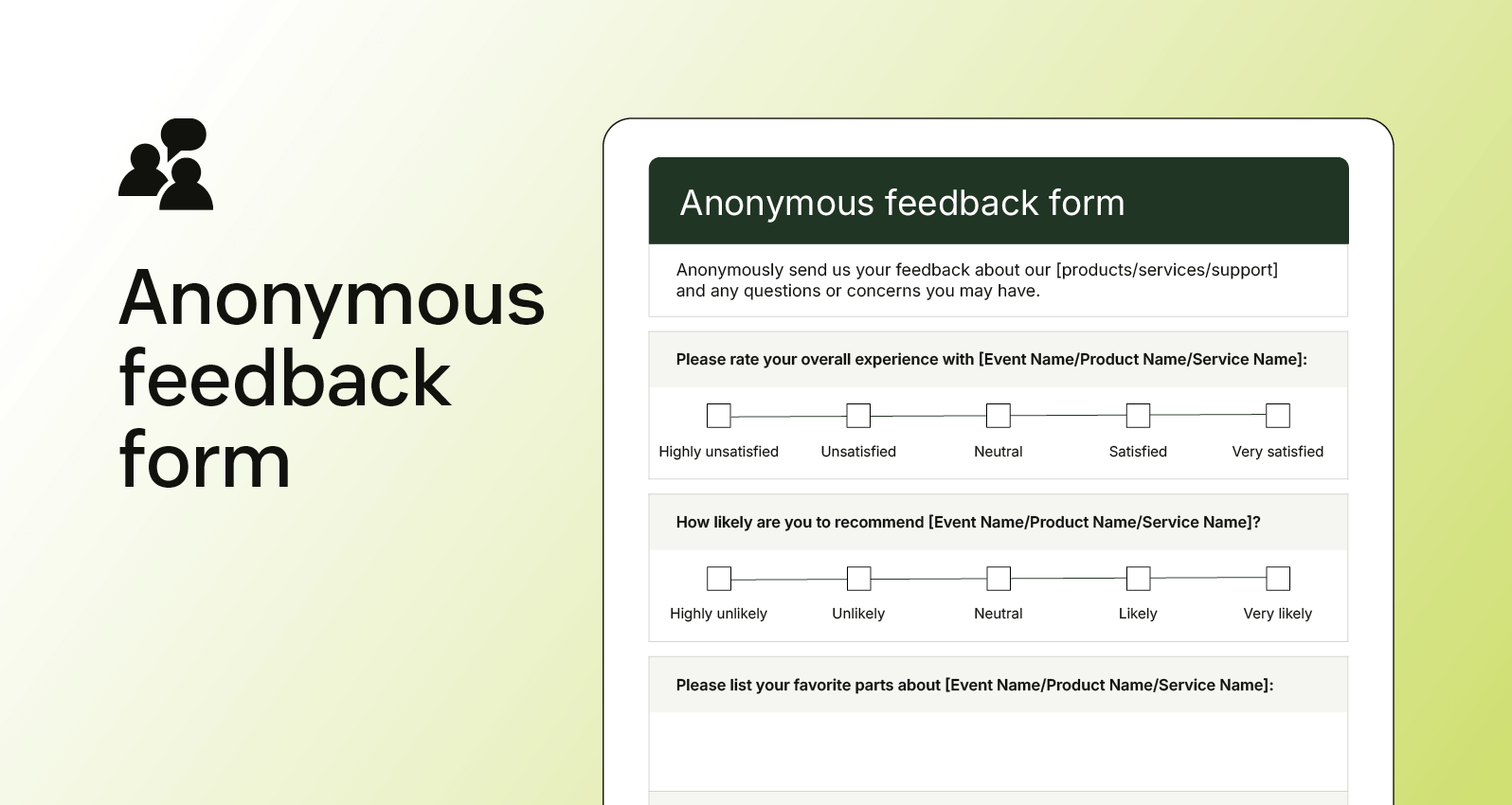
Anonymous feedback forms invite candid responses, especially in sensitive situations. They collect insights without requiring personal information, often making respondents feel more comfortable being honest.
The key areas to cover in an anonymous feedback form are:
Broad or specific open-ended prompts
Multiple-choice ratings
Optional demographic details (like age or role)
This type of form works especially well when dealing with angry customers or sensitive topics, creating a safe space where privacy encourages more candid responses.
3. 360-degree feedback form
Download Feedback Forms
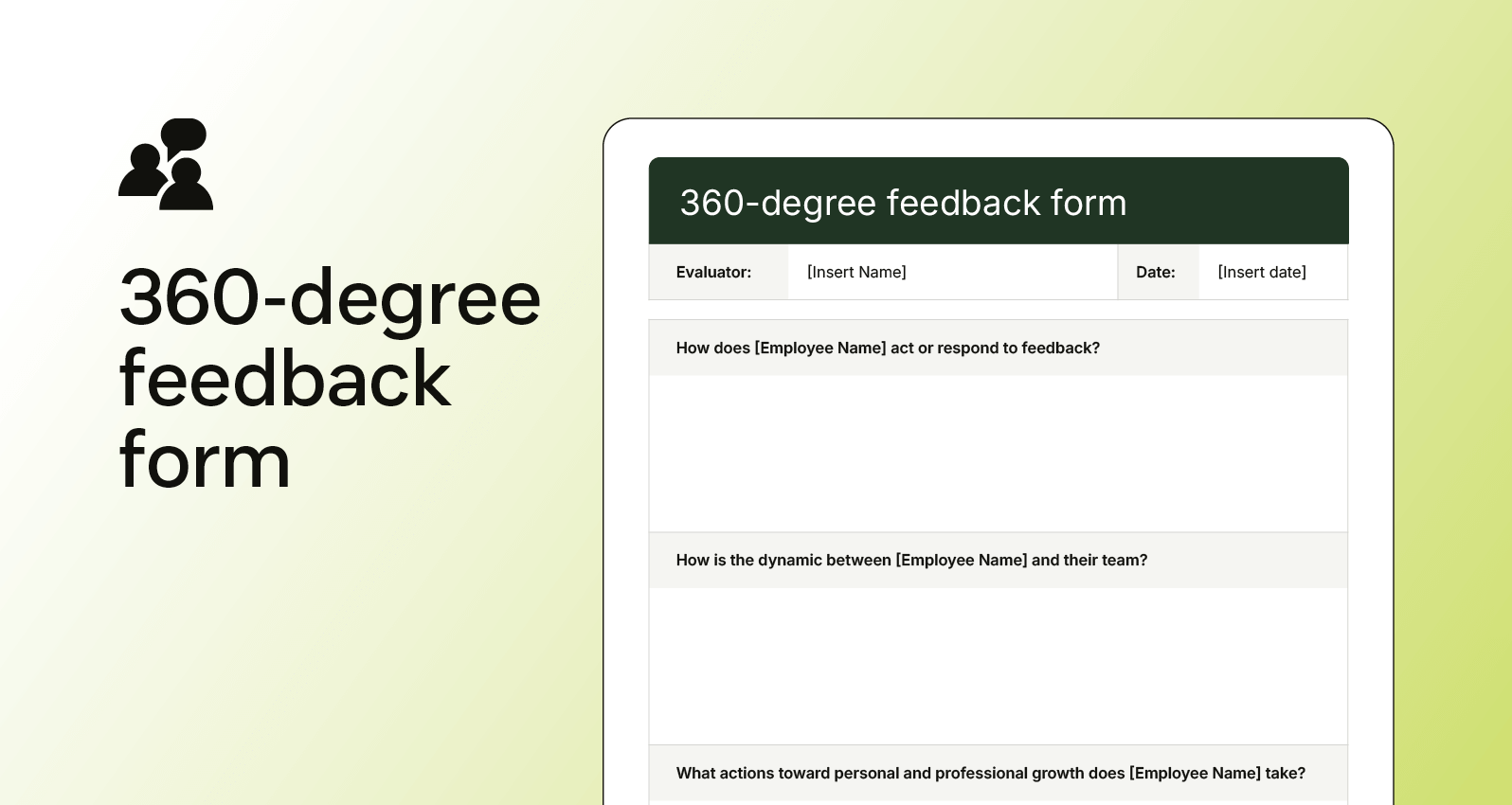
This form gathers well-rounded perspectives on performance from peers, managers, direct reports, and the individual. You’ll often use it during leadership evaluations and employee performance management.
The key areas to cover in a 360-degree feedback form are:
Skill ratings tailored to the role
Team collaboration and communication insights
Self-assessment sections
Constructive feedback prompts
This format supports a culture of transparency and continuous improvement.
4. Customer feedback form
Download Feedback Forms
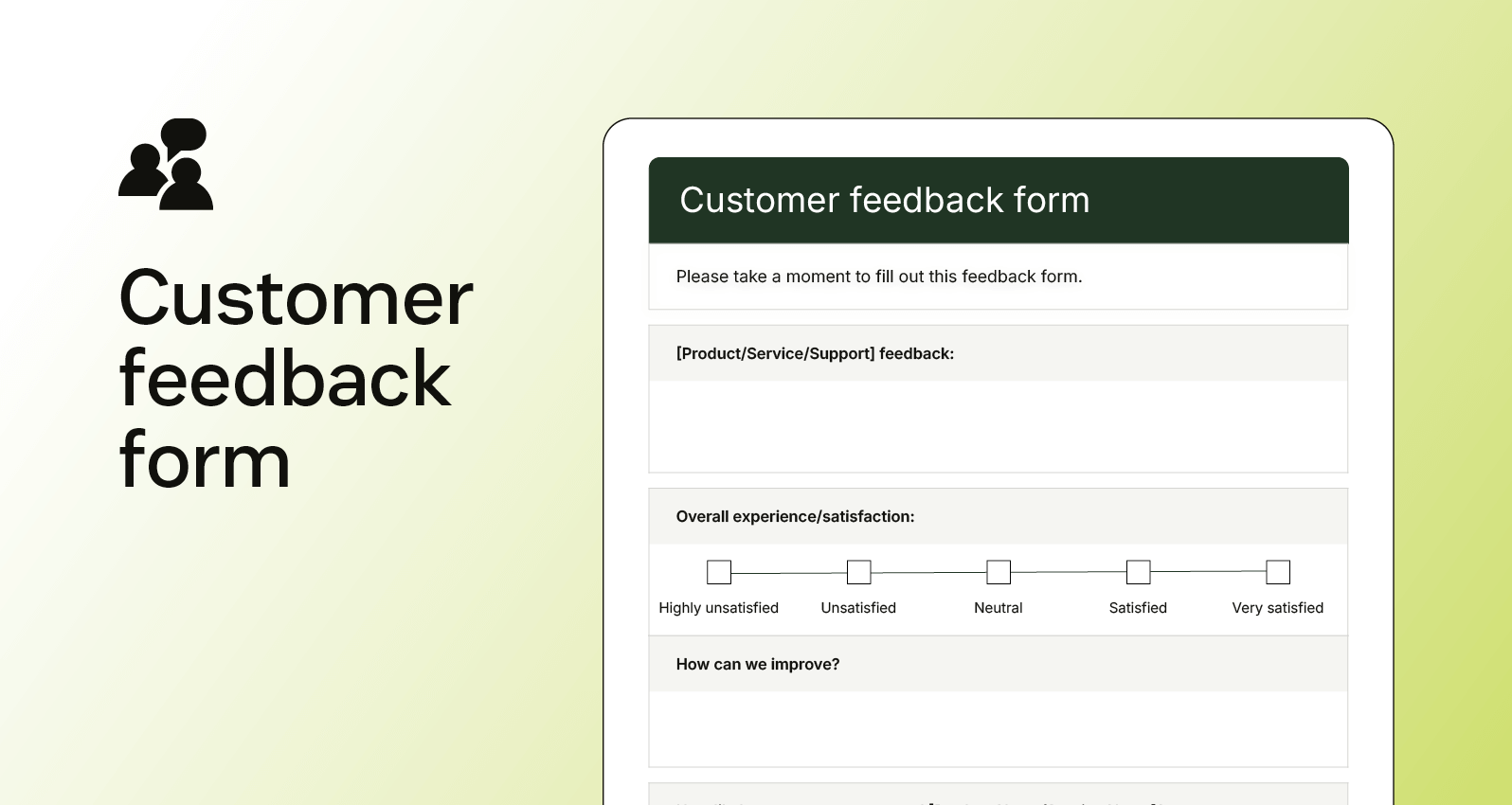
Customer feedback forms are essential for collecting firsthand input on individual experiences. Whether you’re addressing customer complaints or fine-tuning product features, these forms help amplify the customer voice.
The key areas to cover in a customer feedback form are:
Satisfaction scores by touchpoint
Comments on specific issues or praise
Suggestions for what could be better
Overall rating
Using customer feedback software makes collecting, organizing, and analyzing this data simple and scalable.
5. Customer satisfaction feedback form
Download Feedback Forms
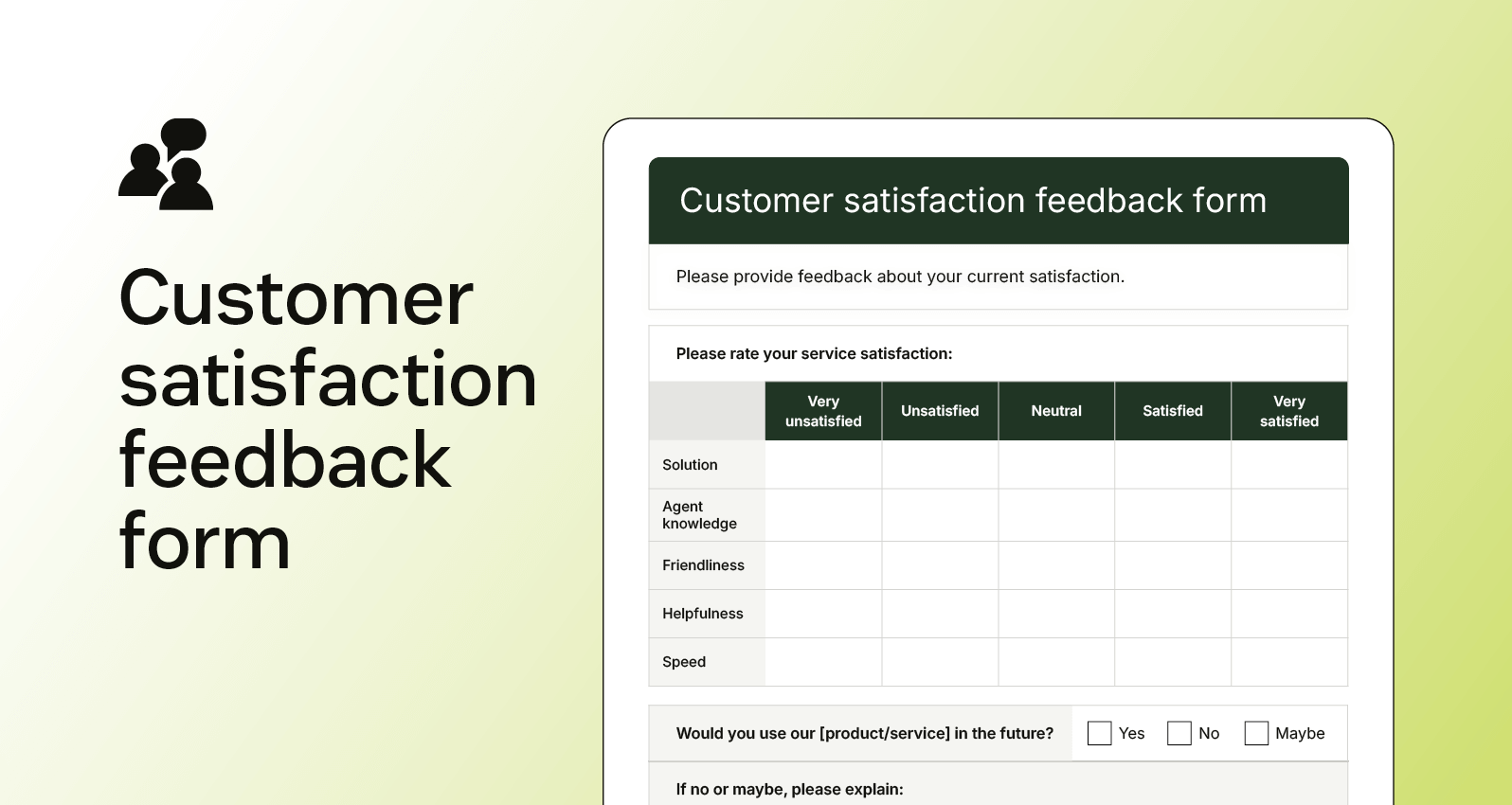
This form targets customer satisfaction with a specific product, service, or interaction. The results from this feedback contribute to calculating your customer satisfaction scores (CSAT), allowing businesses to compare happiness levels over time.
The key areas to cover in a customer satisfaction feedback form are:
CSAT scores
Short comment fields for quick feedback
Questions focused on timing, support quality, or expectations
A Net Promoter Score® (NPS) form is a standardized feedback form that asks customers a single key question: How likely is someone to recommend your business?
The key areas to cover in a Net Promoter Score form are:
Core NPS question
Open-ended follow-up
Optional contact information
This measures their likelihood of recommending a business to others, assesses overall brand loyalty, and gauges customer satisfaction on a broader scale.
7. Customer Effort Score feedback form
Download Feedback Forms
A Customer Effort Score (CES) feedback form measures how easy or difficult it was for a customer to complete a specific interaction or task. This form helps companies track this customer service metric, which is essential for identifying areas of improvement.
The key areas to cover in a Customer Effort Score feedback form are:
Effort rating scale
Comments about what made the task harder or easier
Optional contact information
A Customer Effort Score is measured by dividing the total sum of all responses by the total number of responses, and businesses use CES to evaluate interaction ease, particularly for customer support or checkout processes.
8. Peer feedback form
Download Feedback Forms
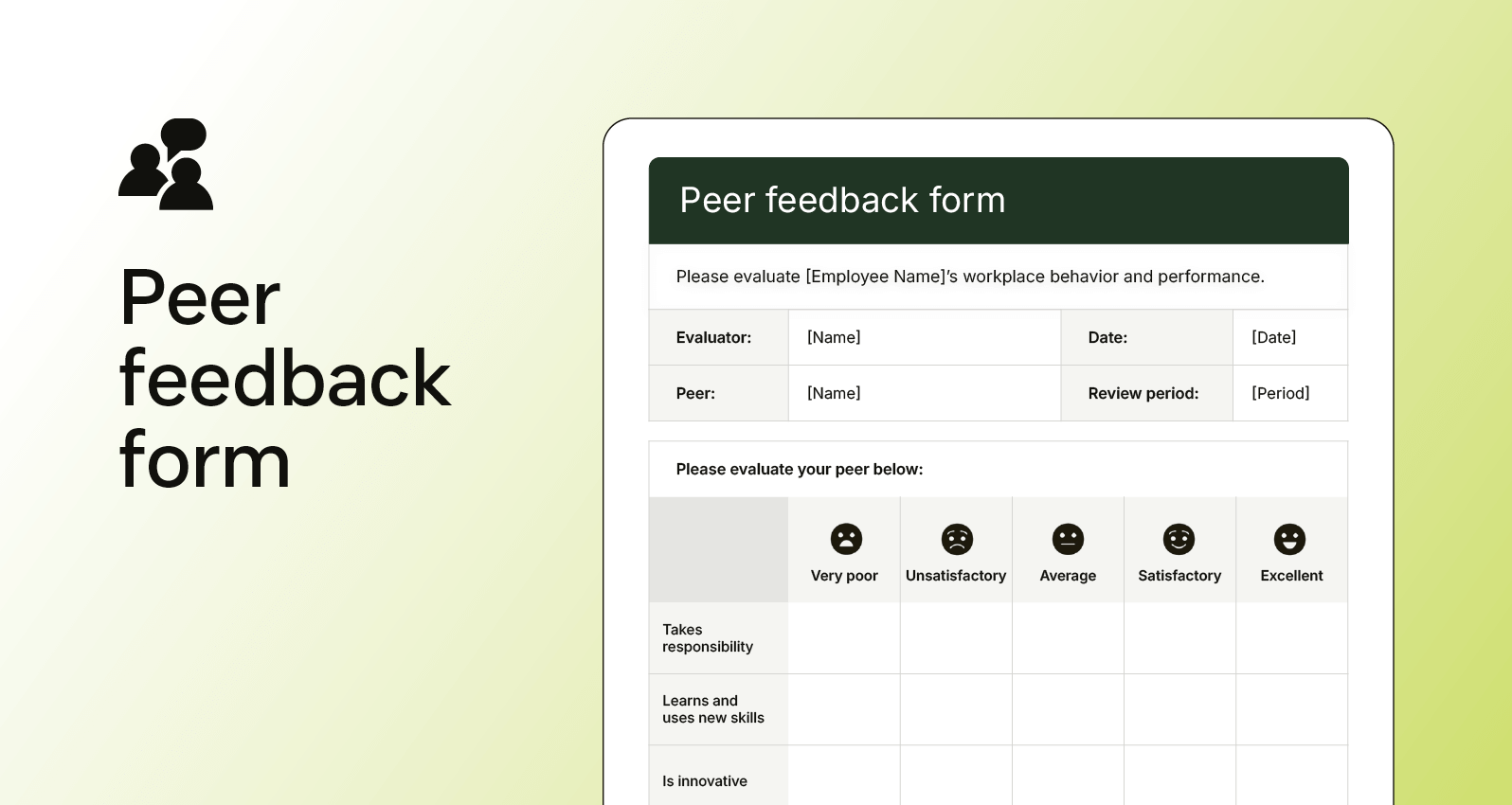
Peer feedback forms give colleagues a way to share input on each other’s collaboration, communication, and contributions. These are often used during performance reviews or tied to an employee development plan.
The key areas to cover in a peer feedback form are:
Strengths and areas for improvement
Contribution to team dynamics
Communication and collaboration ratings
Suggestions for professional growth
These types of feedback forms are most popular during performance reviews or team-building initiatives, and you can collect them anonymously or not.
9. Onboarding feedback form
Download Feedback Forms
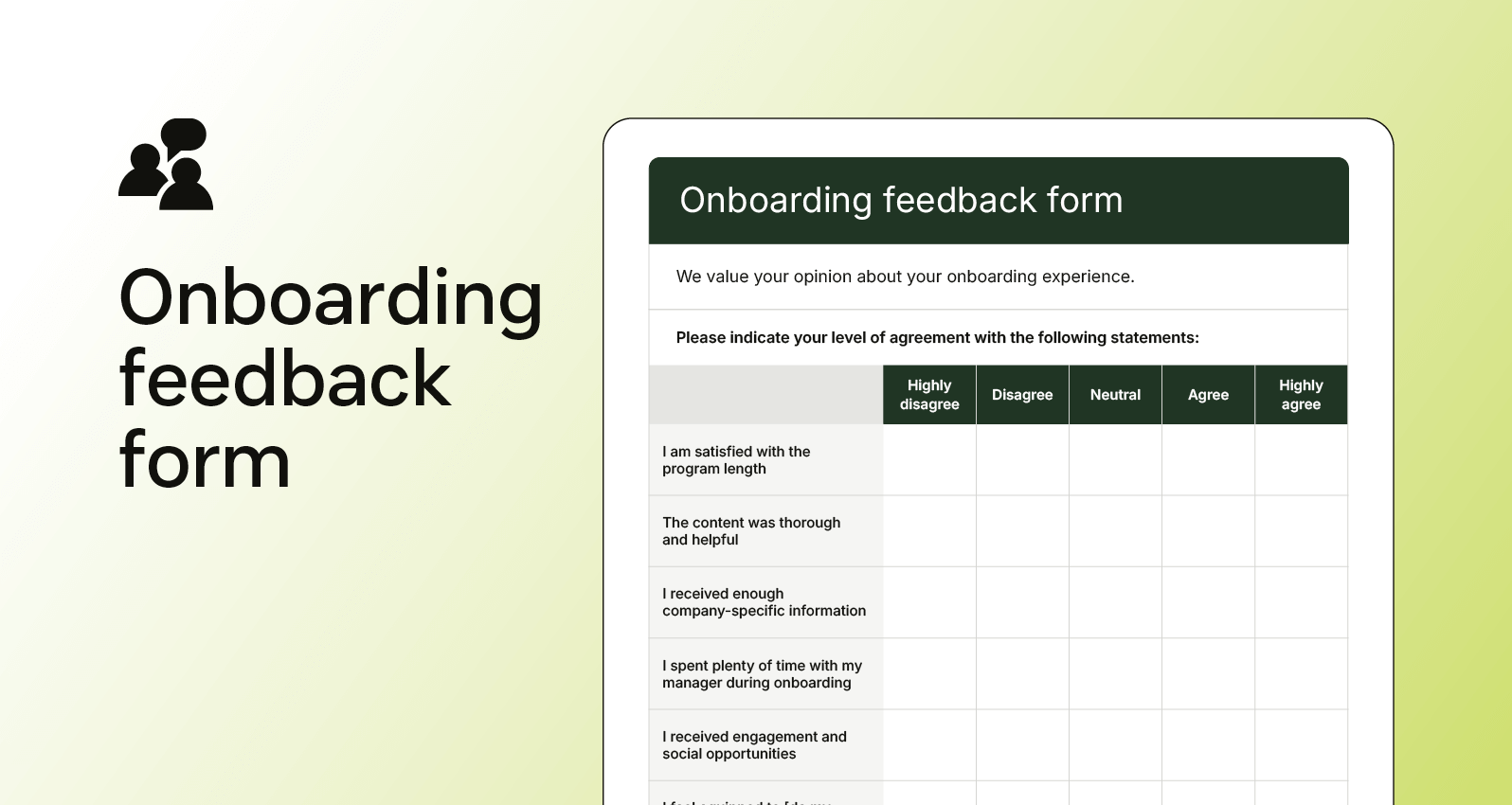
An onboarding feedback form gathers information about employee onboarding or customer onboarding, and its insights help improve processes for future hires or companies.
The key areas to cover in an onboarding feedback form are:
Clarity of roles, goals, and next steps
Training quality and pacing
Overall satisfaction with the process
Suggestions for improving onboarding
Send onboarding forms after the first few weeks or months of a partnership to understand the effectiveness of onboarding and training.
10. Offboarding feedback form
Download Feedback Forms
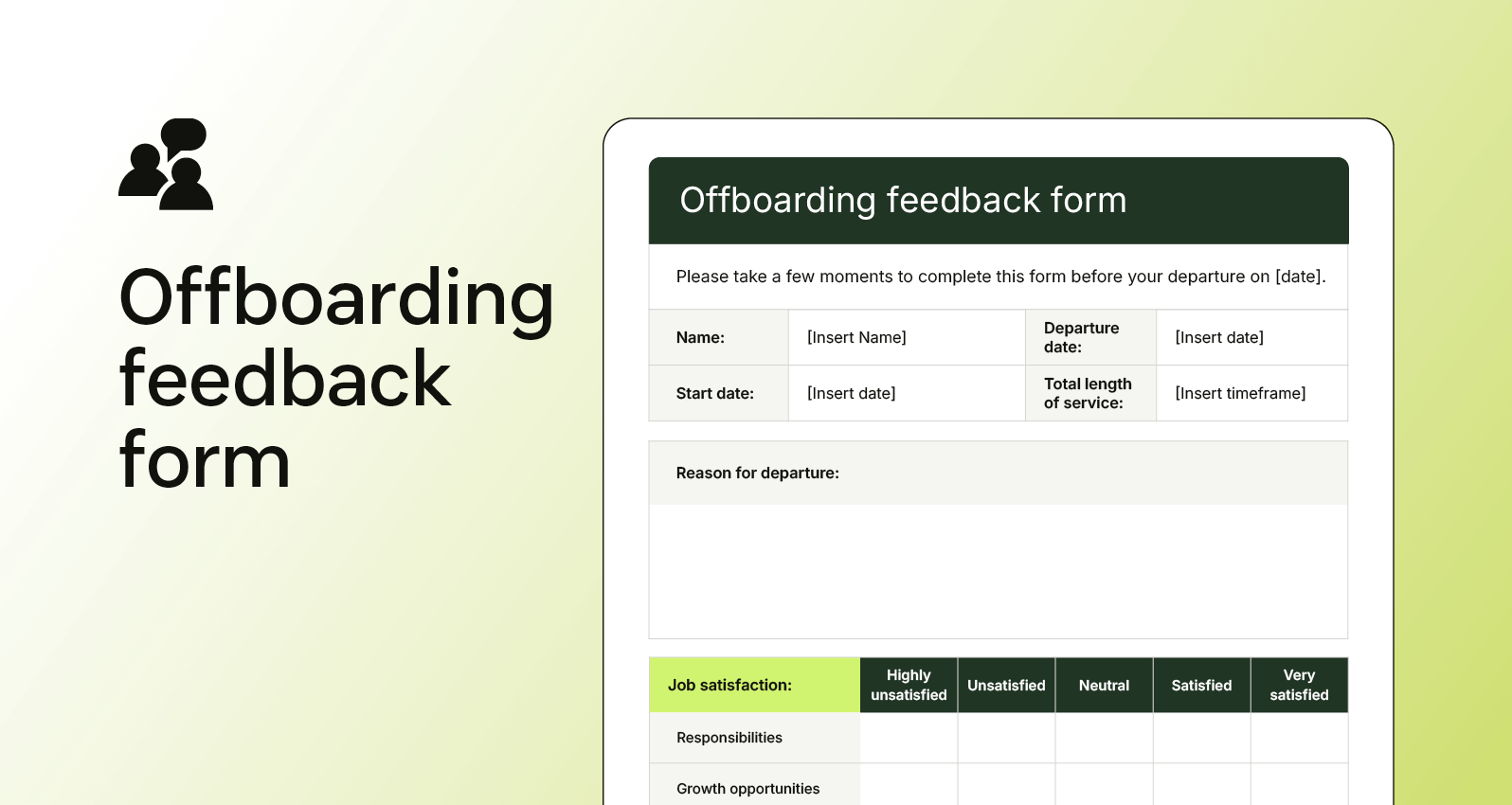
When it’s time to part ways, an offboarding feedback form helps uncover why employees leave and what can be done to improve retention.
The key areas to cover in an offboarding feedback form are:
Reason for leaving
Job satisfaction ratings
Feedback on management, culture, and growth opportunities
Open-ended suggestions for improvement
To identify trends in turnover and areas for organizational improvement, these feedback forms analyze voluntary employee offboarding insights.
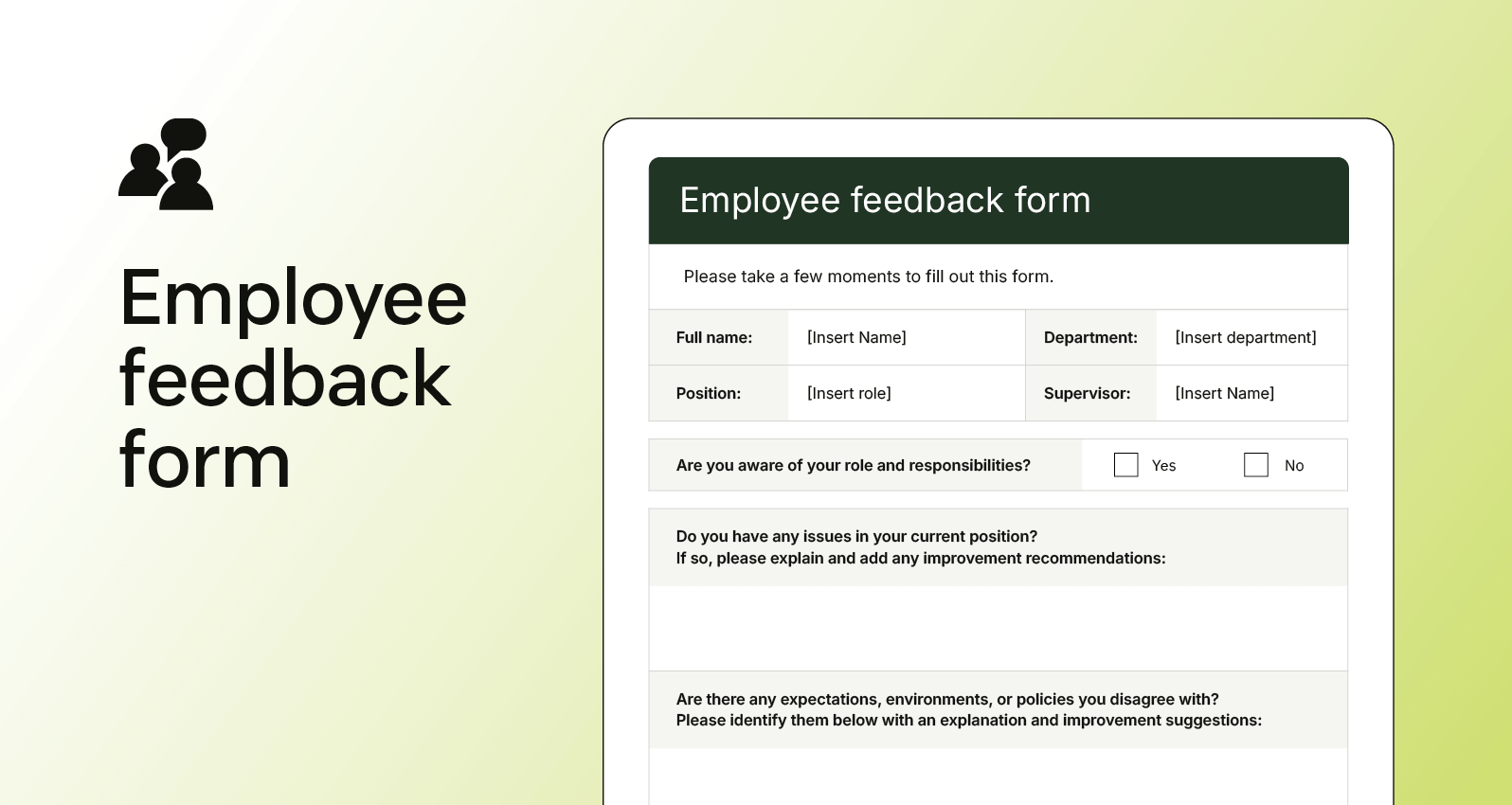
11. Employee feedback form
Download Feedback Forms
This form gives employees an ongoing channel to share opinions about workplace communication, satisfaction, and support. It helps strengthen employee communication and build a culture of listening.
The key areas to cover in an employee feedback form are:
Satisfaction and understanding of role and responsibilities
Typically, you’ll deploy these forms quarterly to proactively track trends and address concerns, and some companies also prioritize regular pulse checks throughout the year.
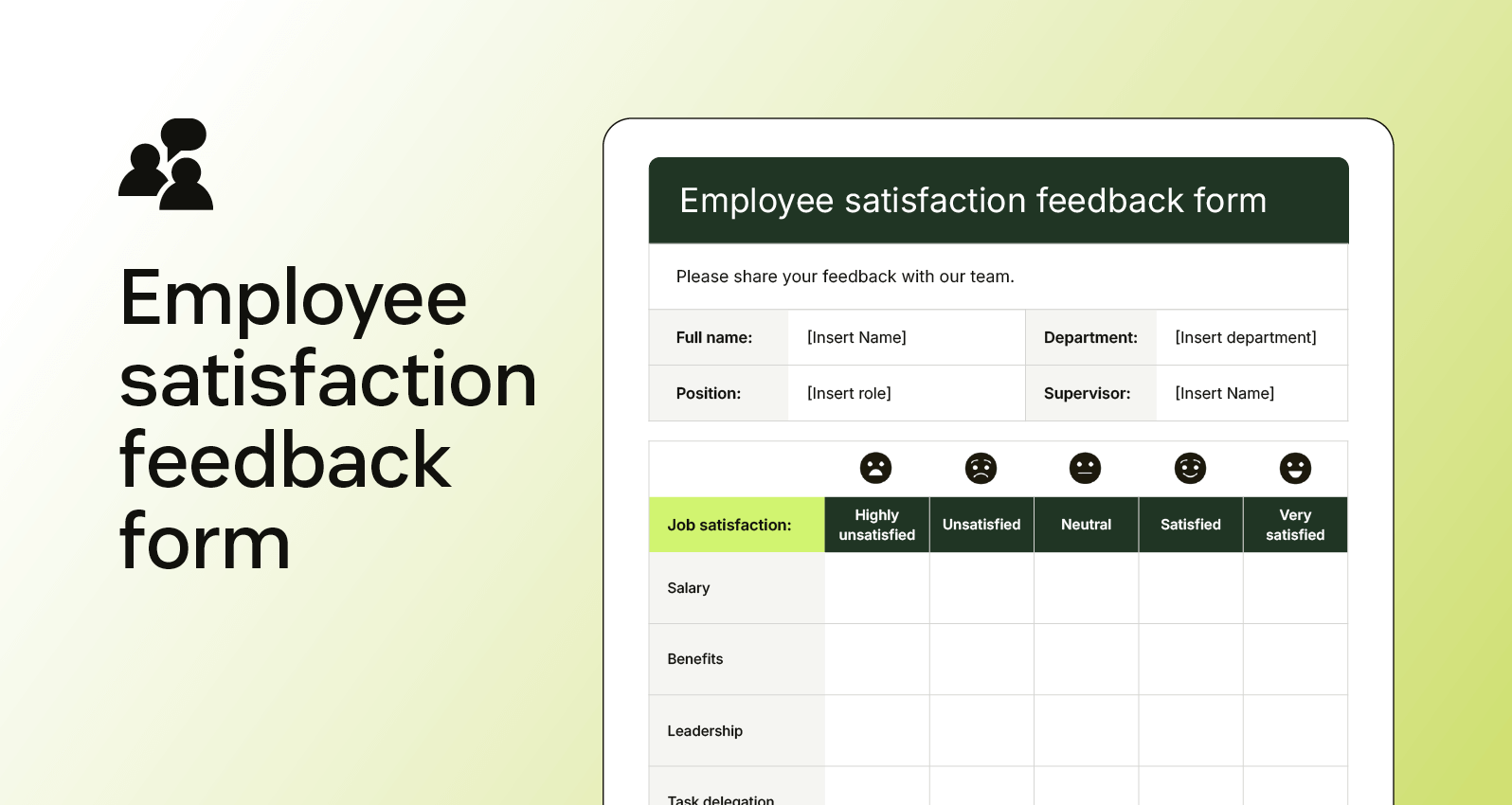
12. Employee satisfaction feedback form
Download Feedback Forms
An employee satisfaction feedback form measures happiness and contentment levels with various aspects of employment. Unlike the general employee feedback form, this zeroes in on employee satisfaction and emotional well-being at work.
Consider distributing annual or biannual employee satisfaction surveys to gauge overall contentment and identify areas affecting retention. These feedback forms are particularly valuable during times of organizational change or after implementing new policies.
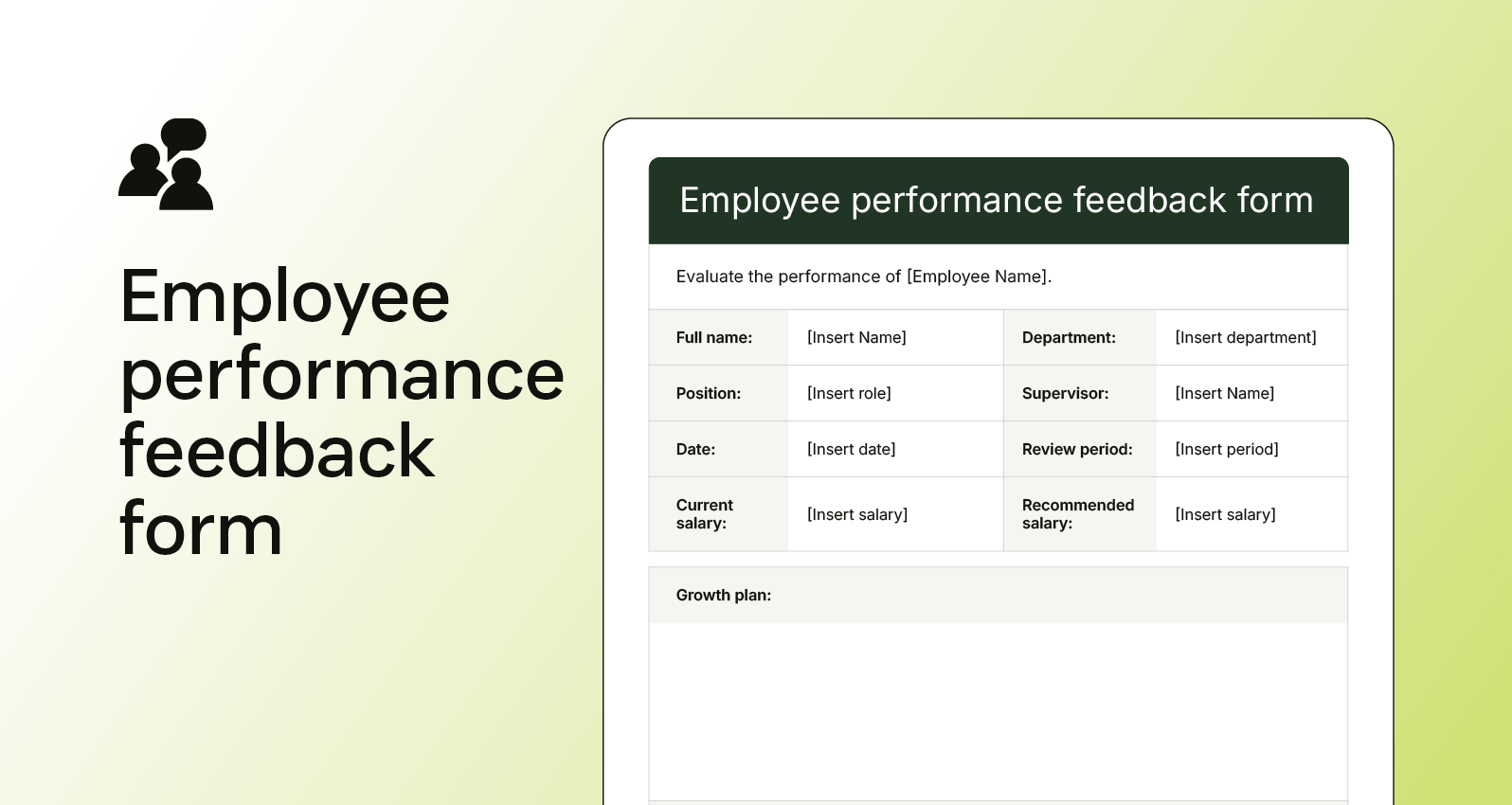
13. Employee performance feedback form
Download Feedback Forms
An employee performance feedback form evaluates employee achievements and goal progress. It’s often tied to employee performance management cycles and used to shape career development or compensation reviews.
The key areas to cover in an employee performance feedback form are:
Skill evaluations and ratings
Progress on personal or team goals
Areas for continued development
An employee performance feedback form is also used in employee performance management to set new goals and determine compensation adjustments.
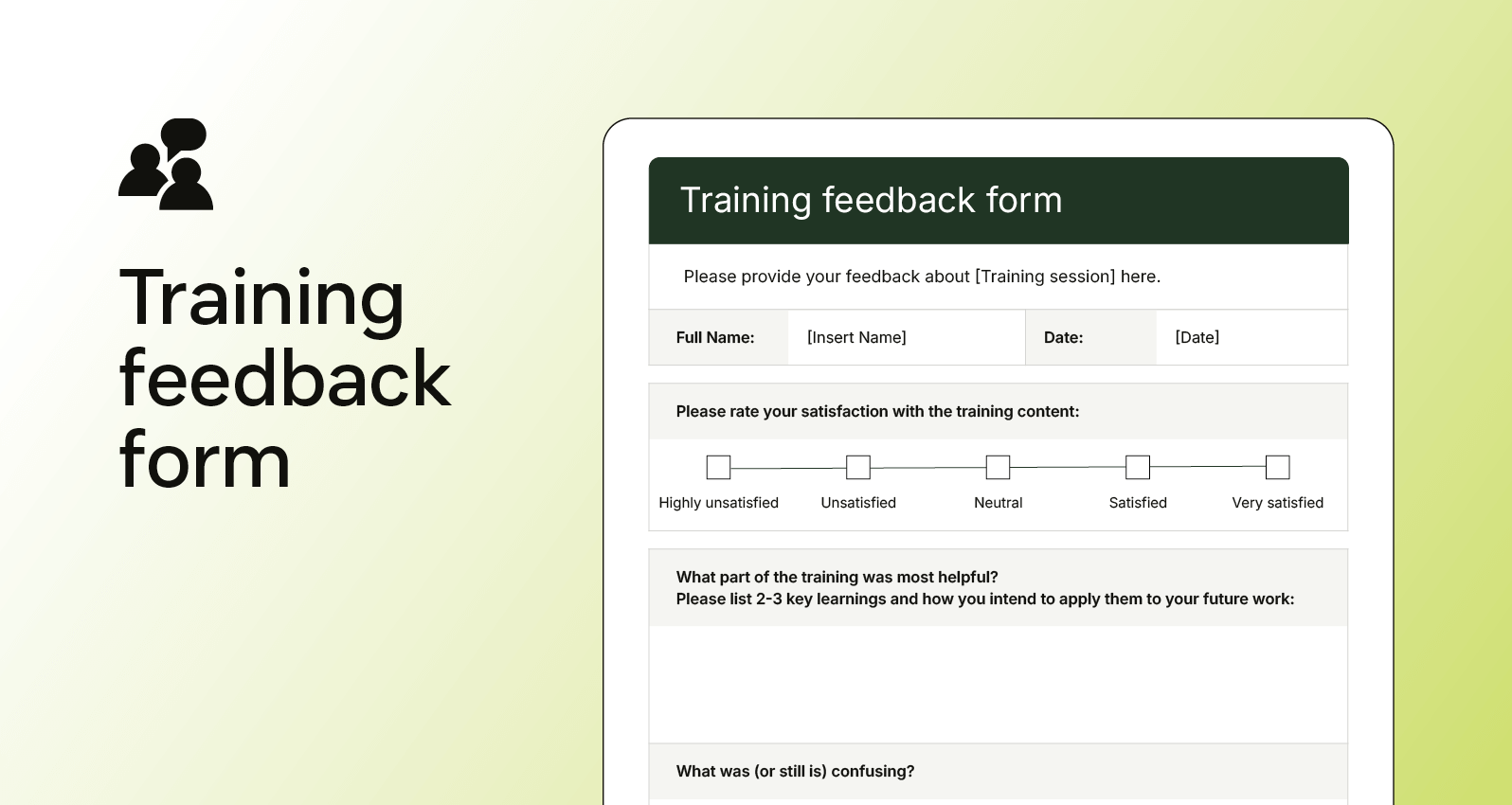
14. Training feedback form
Download Feedback Forms
A training feedback form is designed to evaluate the effectiveness and value of training programs, optimize future investments, ensure learning objectives are met, and improve agent training processes.
The key areas to cover in a training feedback form are:
Trainer knowledge and engagement
Relevance of material
Skills learned
Feedback on pacing and usefulness
Use this type of form after various training sessions or learning initiatives, such as customer service training or call center training, to assess their effectiveness, relevance, and areas for improvement.
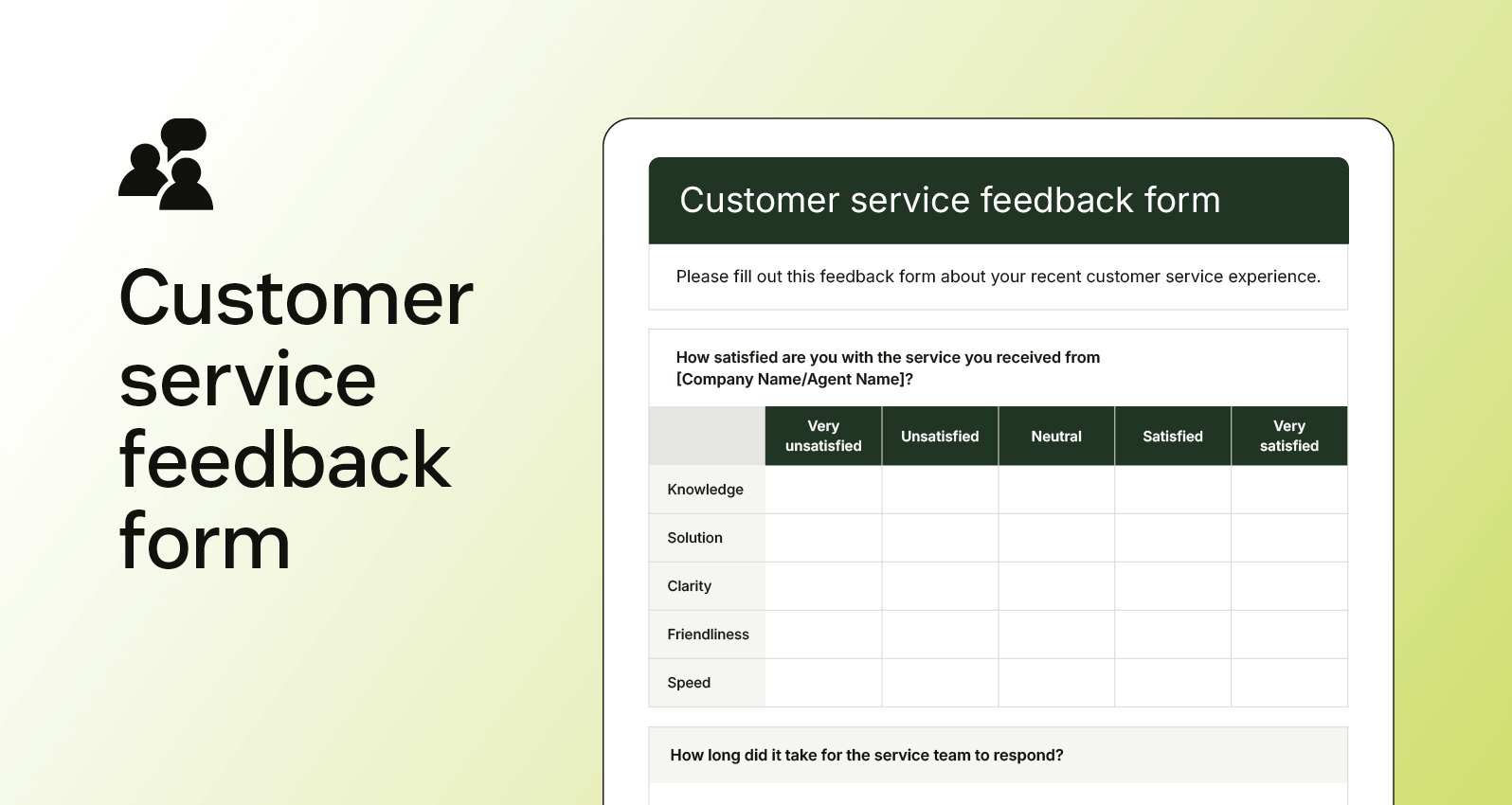
15. Customer service feedback form
Download Feedback Forms
A customer service feedback form collects data about the quality and effectiveness of customer service across all support channels. It’s critical for maintaining service quality, especially when addressing negative customer reviews. These forms help maintain service standards and identify training needs for support staff.
The key areas to cover in a customer service feedback form are:
Speed of resolution
Staff professionalism
Ease of reaching support
Response times
Suggestions for improvement
Send these forms after customer service interactions to assess customer satisfaction with service delivery, evaluate resolutions for escalated issues, and find coaching opportunities.
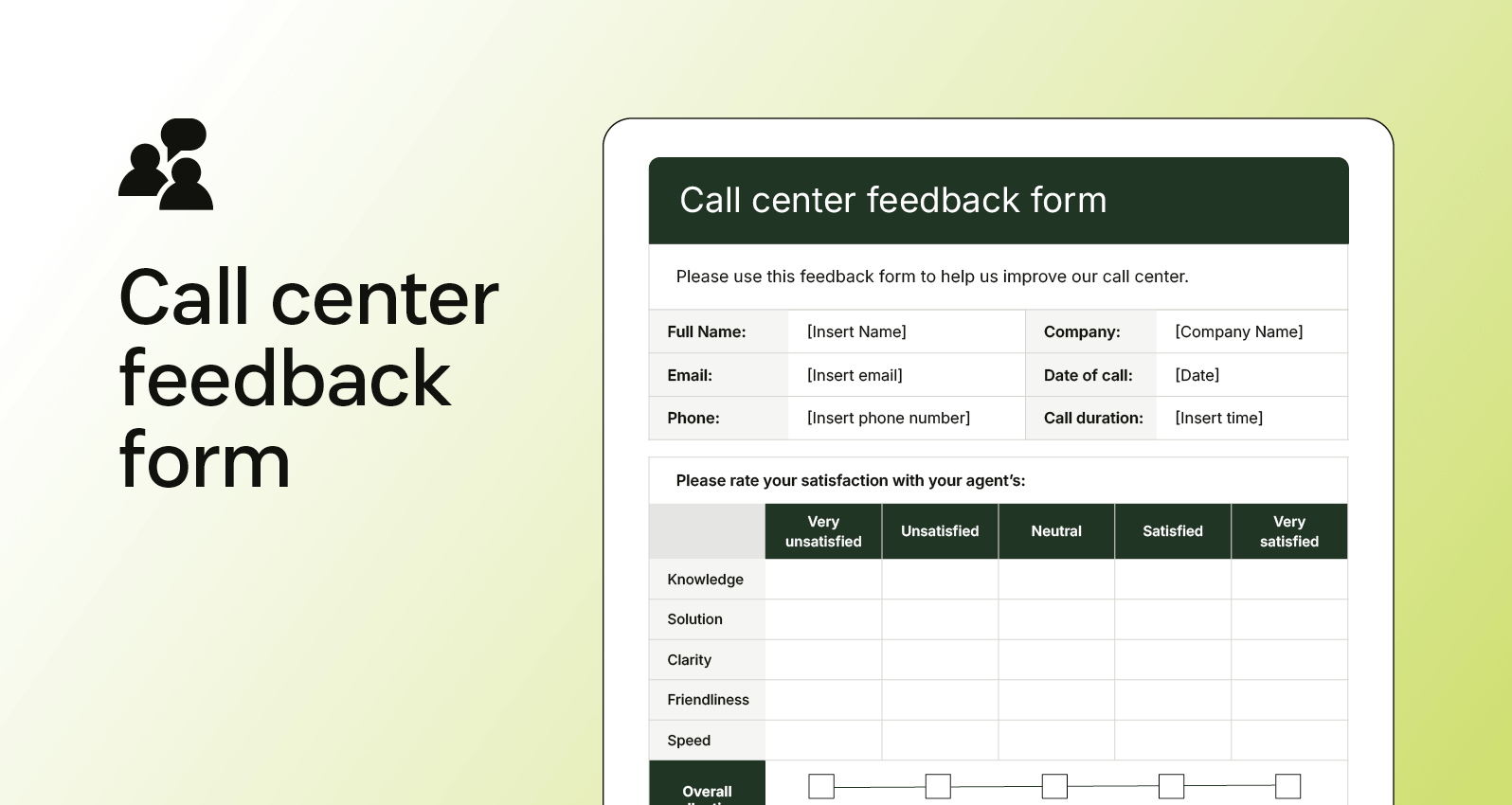
16. Call center feedback form
Download Feedback Forms
Designed for voice-based interactions, call center feedback forms assess how well support agents handle live conversations and call handling efficiency in a call center.
The key areas to cover in a call center feedback form are:
Agent performance ratings
Interaction satisfaction
Clarity and tone of communication
Wait time or call transfer experience
Consider incorporating these feedback forms in call center management and automatically collecting opinions after phone interactions to monitor quality, improve agent performance, and maintain service standards.
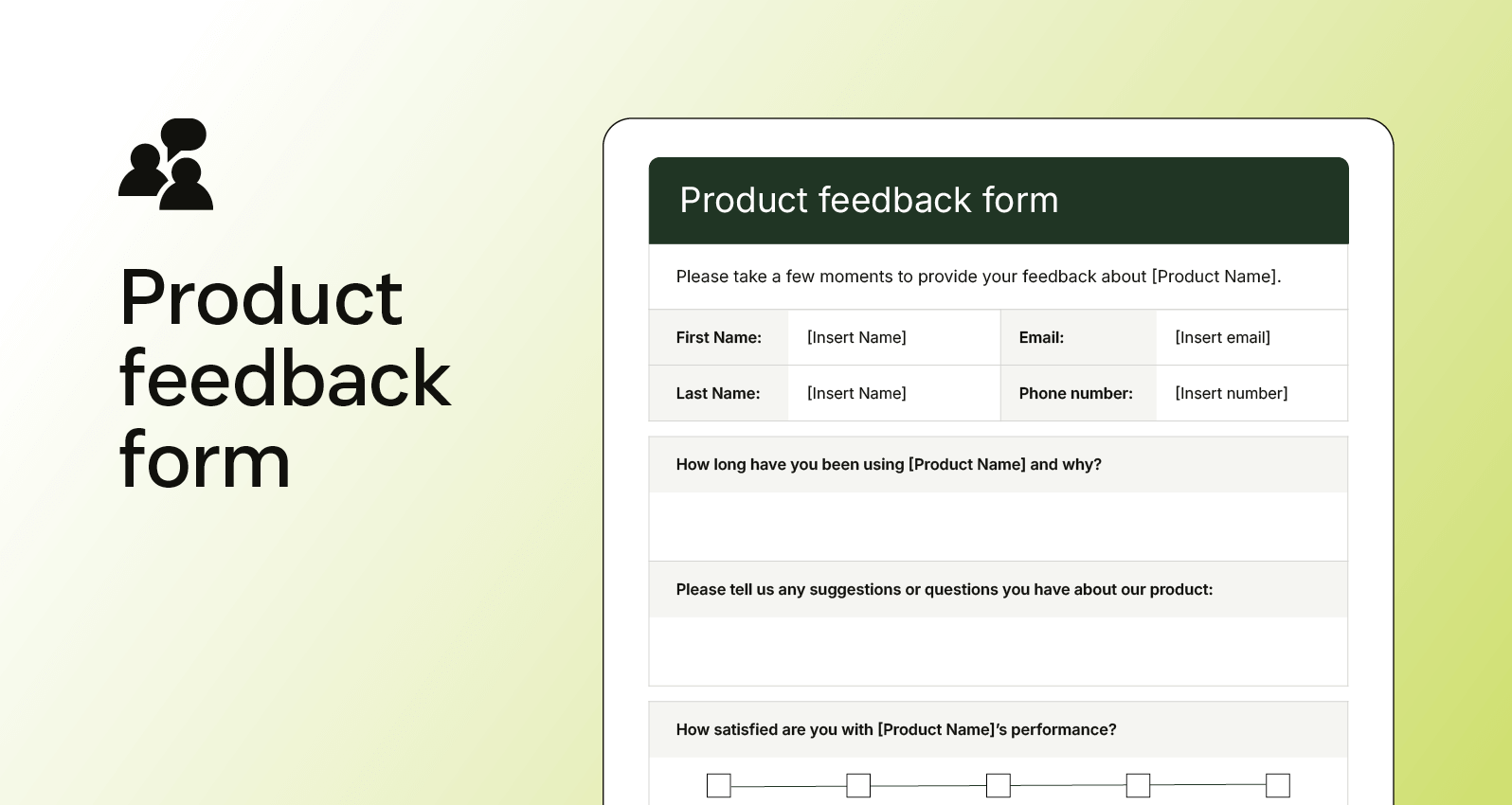
17. Product feedback form
Download Feedback Forms
A product feedback form collects user experiences, suggestions, and issues related to specific products or features. This form helps identify product-market fit and guide development and improvement initiatives.
The key areas to cover in a product feedback form are:
Performance satisfaction rating
Suggestions for new features or improvements
Pain points or confusing areas
Whether testing a beta release or refining a flagship feature, product feedback helps align with customer needs and improve product-market fit.
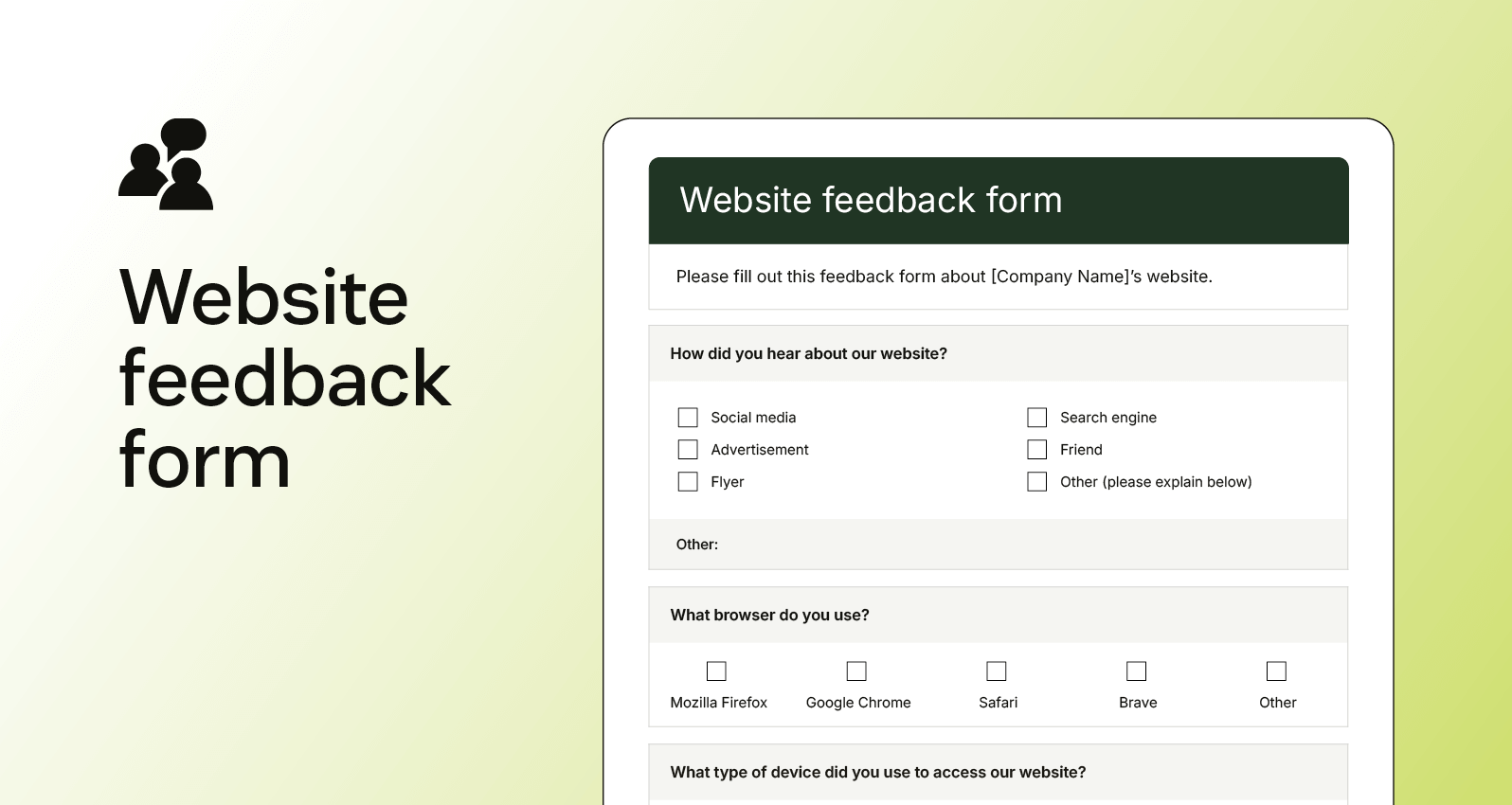
18. Website feedback form
Download Feedback Forms
A website feedback form gathers user experience data about website functionality, design, and content. This helps optimize digital presence, improve the user journey, and enhance user-specific pages like contact pages and FAQ pages.
The key areas to cover in a website feedback form are:
Browser used
Device type
Content satisfaction rating
Usability assets
Improvement suggestions
Embed website feedback forms on site pages to collect real-time feedback about user experience, pain points in the digital journey, and web self-service options.
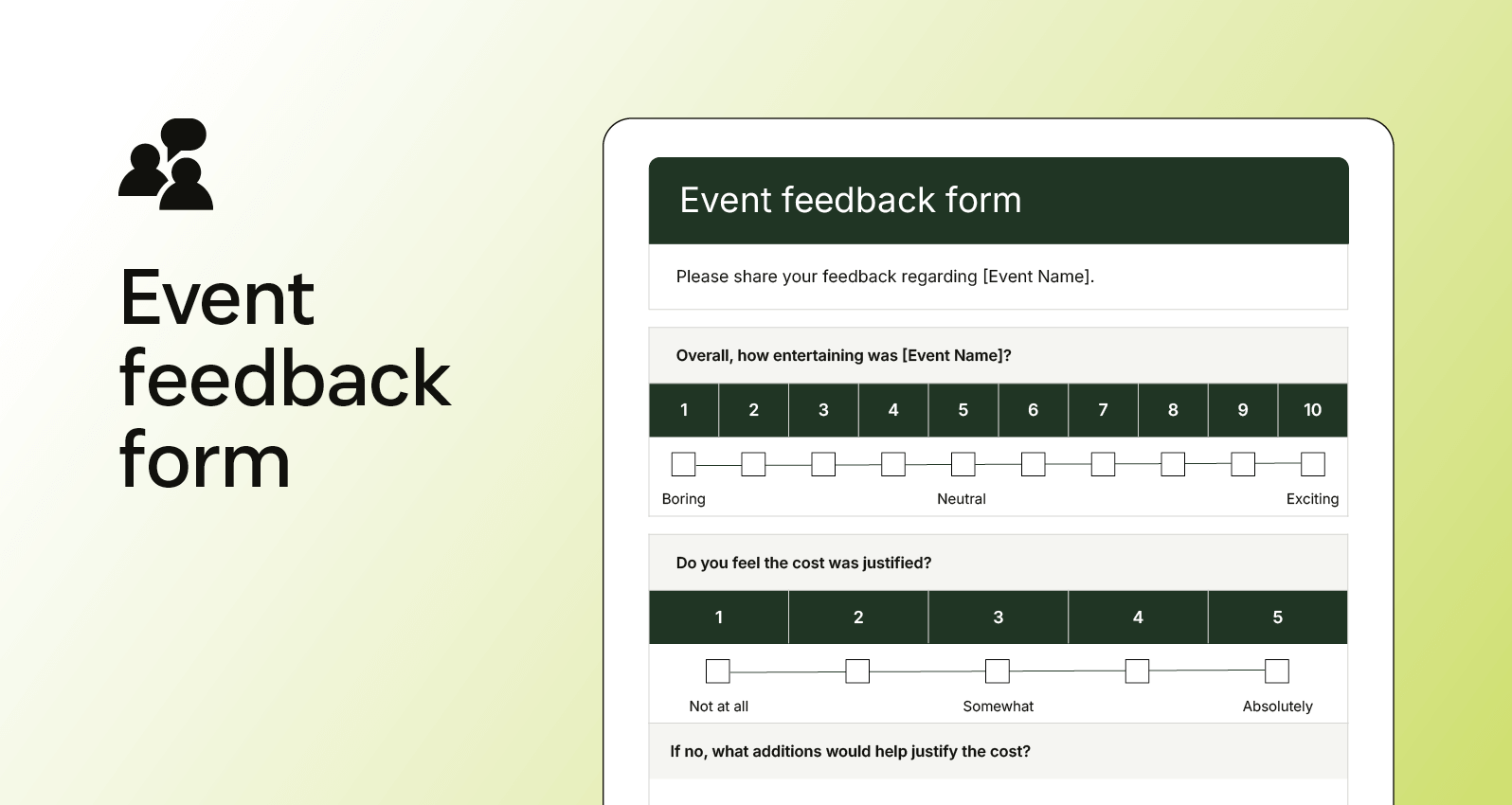
19. Event feedback form
Download Feedback Forms
Used for webinars, conferences, or customer events, this form captures what went well and what didn’t.
The key areas to cover in an event feedback form are:
Perceived value questions
Event rating
Favorite session or activity
Speaker feedback
Suggestions for future events
Optional contact information
Distribute event feedback forms immediately after events to help measure ROI and capture fresh thoughts and opinions about all aspects of the experience.
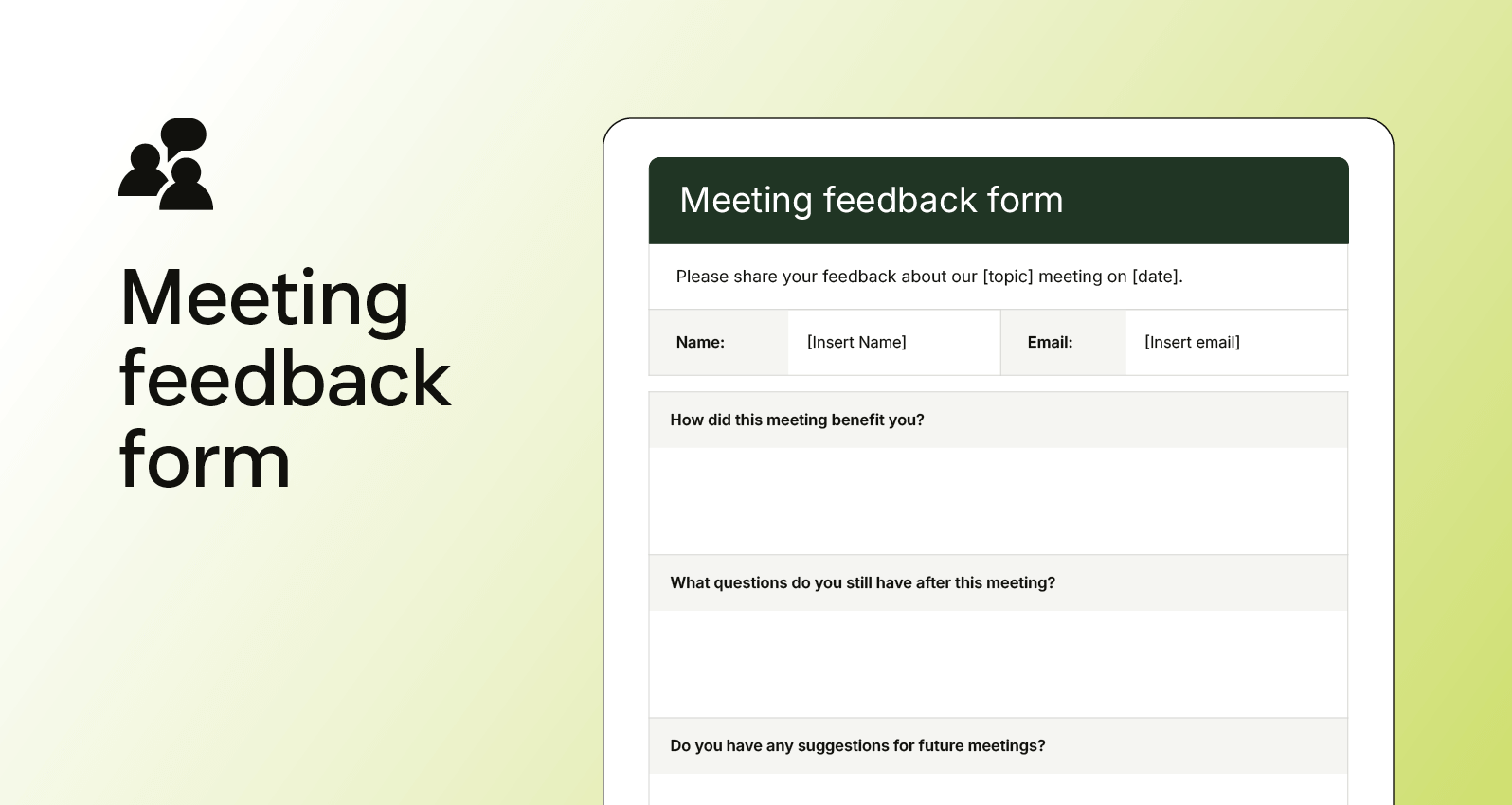
20. Meeting feedback form
Download Feedback Forms
Meeting feedback forms are designed to gather participants’ opinions after meetings to evaluate their effectiveness, structure, and outcomes. They can be used after internal team, external client, and sales meetings to refine recurring meetings or improve cross-functional syncs.
The key areas to cover in a meeting feedback form are:
Clarity of meeting goals, objectives, and agendas
Relevance and usefulness of the discussion
Organization and time management
Participation
Improvement suggestions
Action item clarity
While not necessary after every meeting, these feedback forms should be distributed after some gatherings to assess goal completion and improvement opportunities.
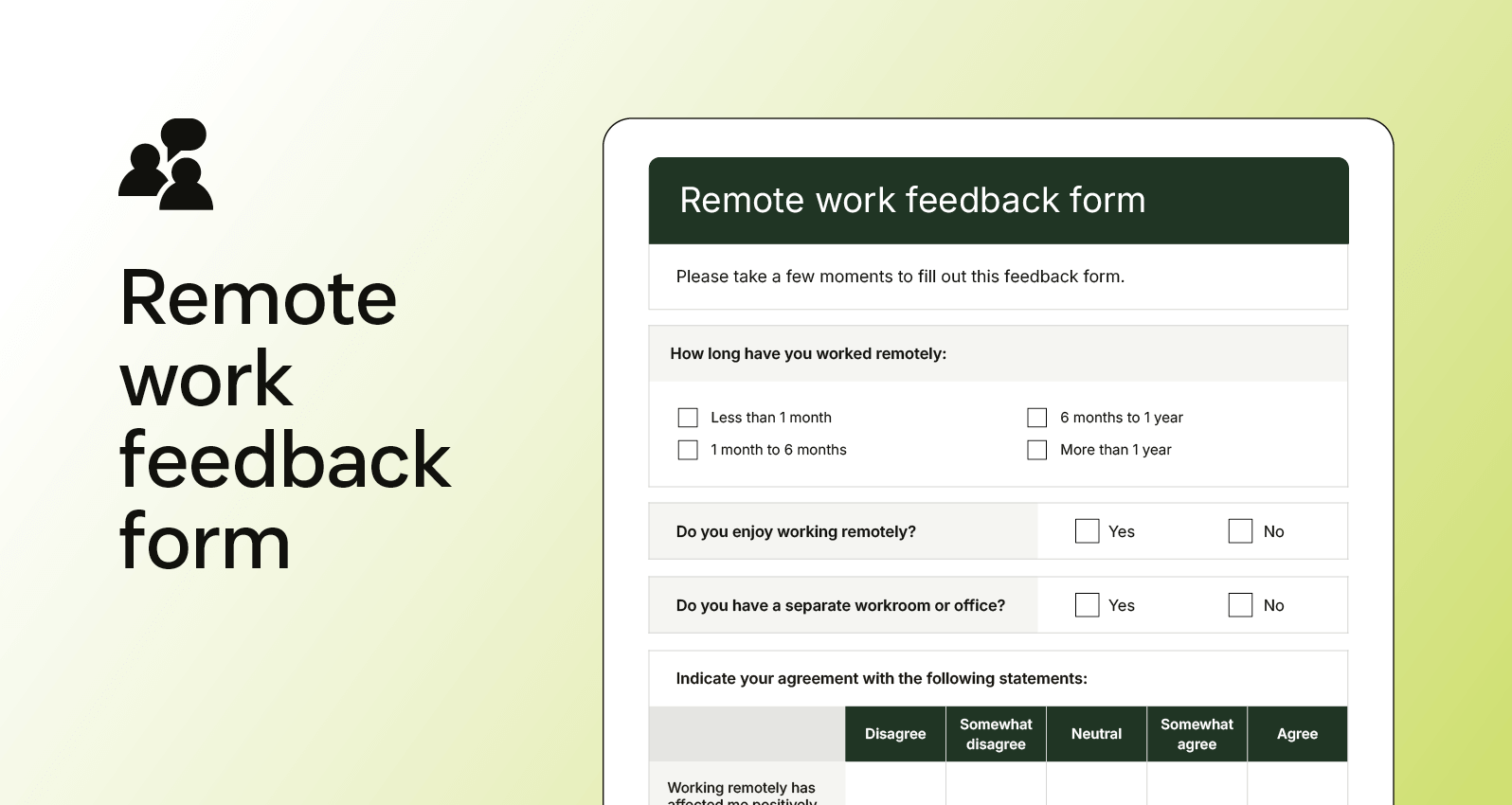
21. Remote work feedback form
Download Feedback Forms
This type of feedback form assesses the effectiveness of remote work arrangements, including technology infrastructure, communication tools, and work-life balance in a virtual environment. This helps organizations understand and improve their remote work policies and support systems.
The key areas to cover in a remote work feedback form are:
Home office setup adequacy
Equipment and tool access
Work-life balance and mental well-being
Suggested improvements for remote operations
For hybrid and remote teams—or those transitioning to a remote environment or establishing new policies—distribute these feedback forms to evaluate collaboration tools, remote support software, and work satisfaction.
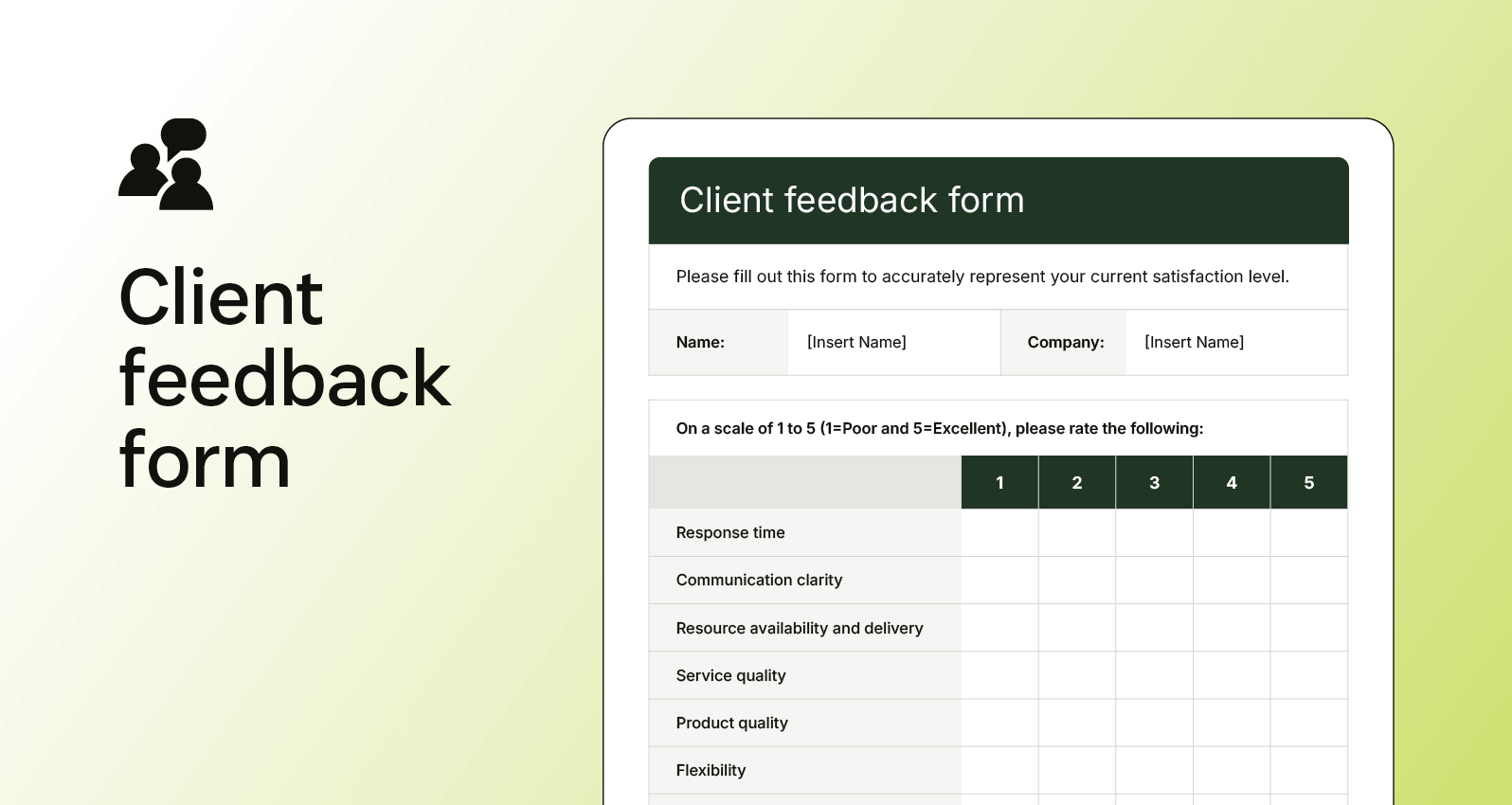
22. Client feedback form
Download Feedback Forms
A client feedback form gathers insights from business clients about the overall partnership, project execution, and service delivery. This feedback form helps maintain strong client relationships and identifies opportunities for service improvement across all journey touchpoints.
The key areas to cover in a client feedback form are:
Satisfaction with the service or product delivered
Communication and responsiveness
Suggestions for improving service
Open-ended feedback on the overall client experience
These forms are essential for relationship management and contract renewal discussions. To maintain quality and address concerns proactively, use a client portal to collect feedback at key milestones or regularly throughout long-term partnerships
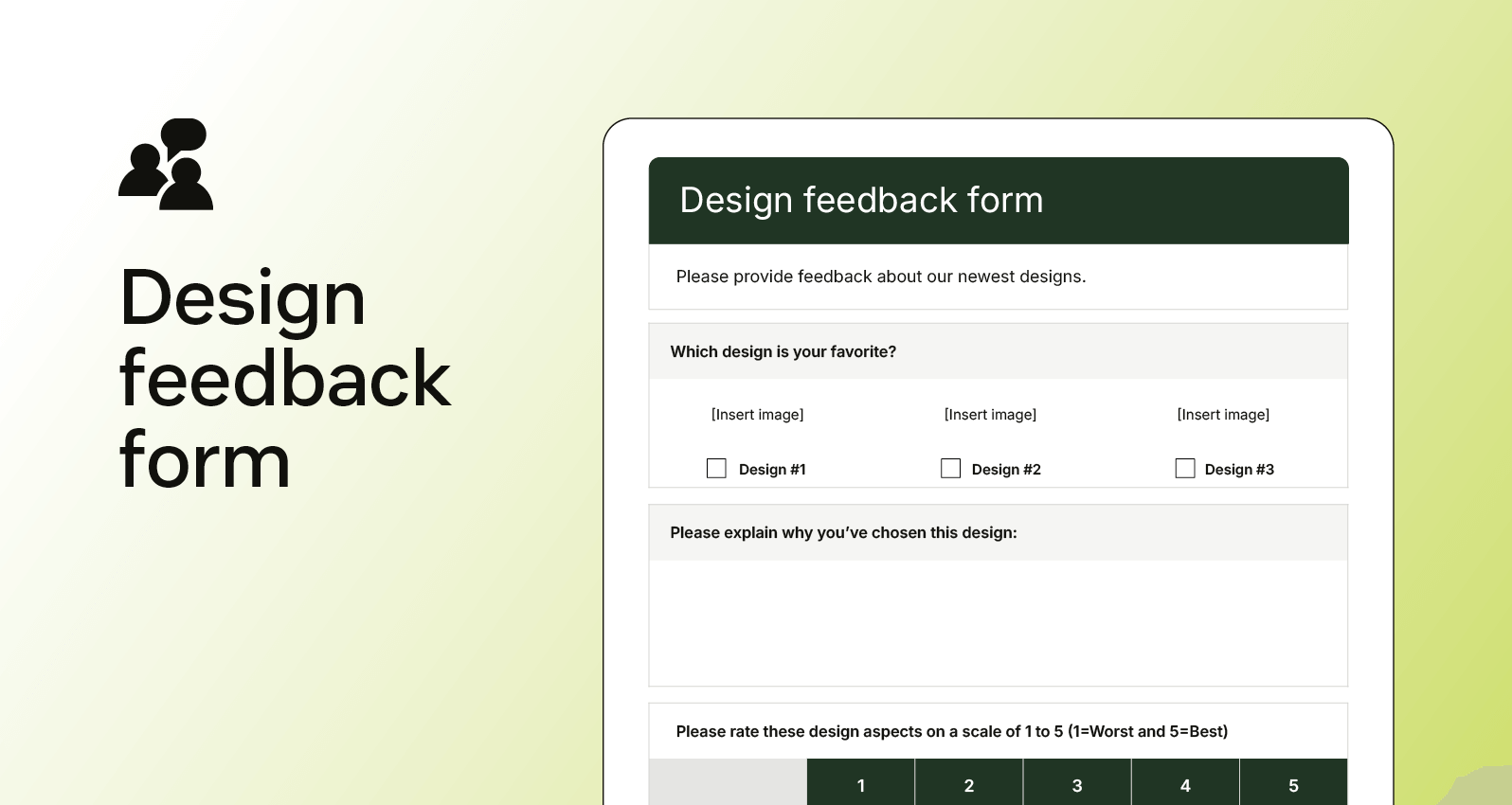
23. Design feedback form
Download Feedback Forms
From branding to UX mockups, a design feedback form keeps creative work aligned with business and user needs. It’s especially helpful during customer experience design reviews.
The key areas to cover in a design feedback form are:
Visual appeal and design consistency
Clarity of message and purpose
Usability and functionality (if applicable)
Consistency across touchpoints
Suggestions for improving the design
From logo design to customer experience design, use this type of form during iterative design processes and client approval stages to gather structured feedback on visual elements, from early concepts to final deliverables.
24. Patient feedback form
Download Feedback Forms
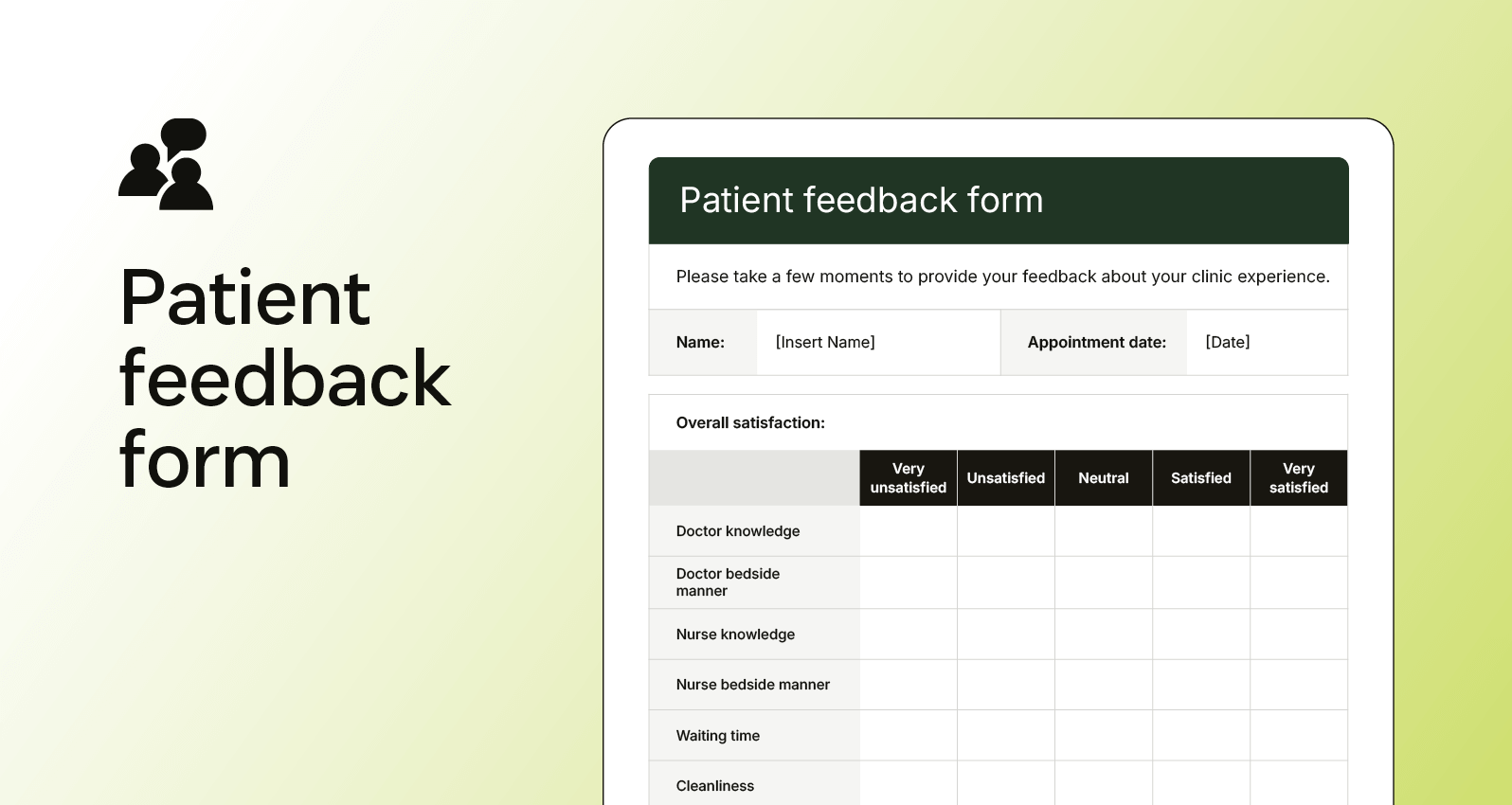
A patient feedback form can collect information about experiences with healthcare services, facilities, and medical staff. It can maintain privacy standards while helping healthcare providers improve patient care quality, enhance service delivery, and transform the patient experience.
The key areas to cover in a patient feedback form are:
Doctor and staff professionalism
Wait time
Treatment satisfaction
Facility cleanliness and comfort
With solutions like Zendesk for healthcare, businesses can use these feedback forms to assess medical care quality, identify areas for service improvement, maintain healthcare standards, and improve patient outcomes.
25. Market research feedback form
Download Feedback Forms
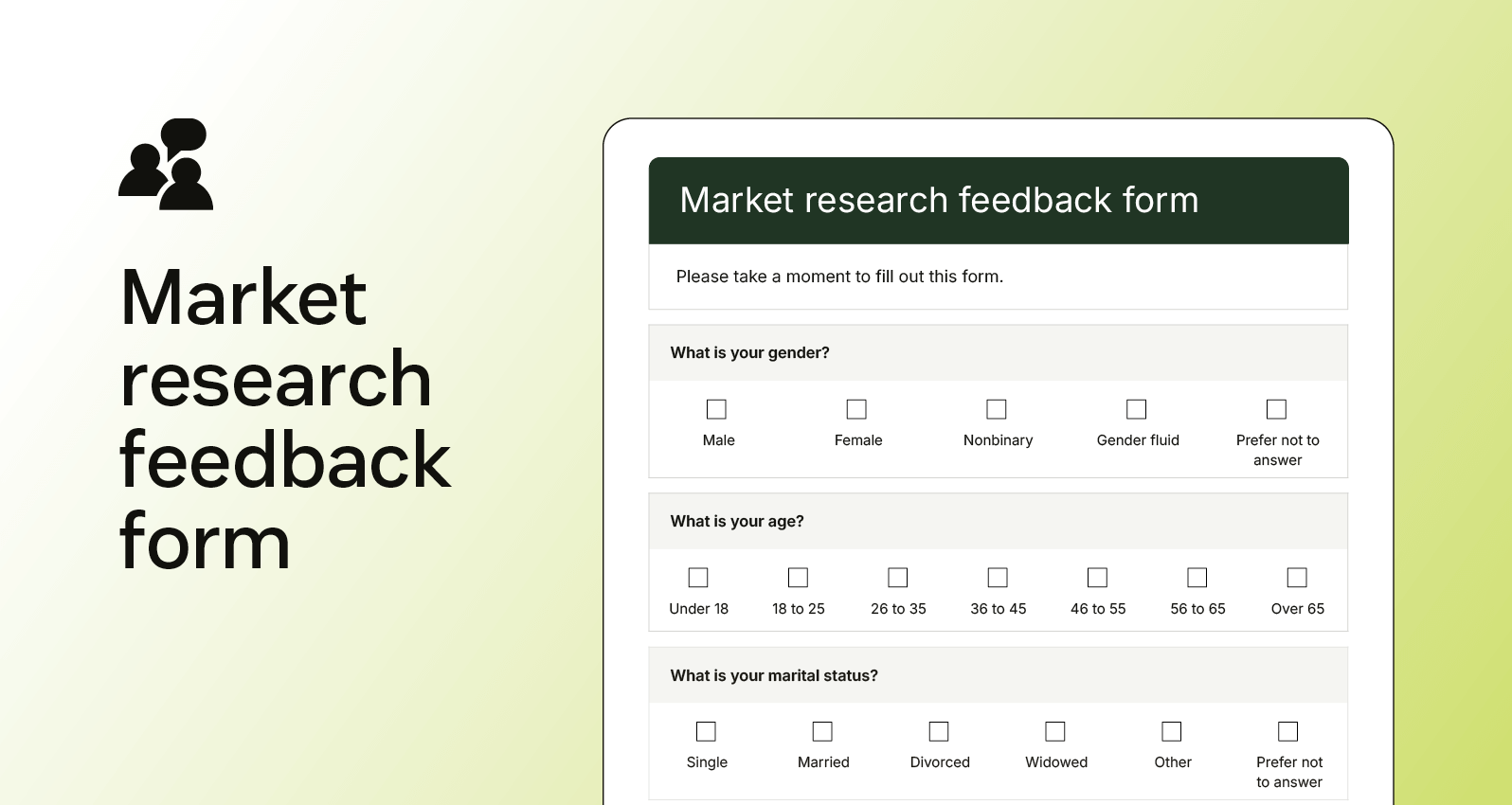
A market research feedback form gathers insights about market trends, consumer preferences, and competitive positioning. This form helps organizations understand consumer insights and make data-driven business decisions about product development, pricing, and marketing strategies.
The key areas to cover in a market research feedback form are:
Demographic information
Preferences or purchasing behavior
Feedback on potential product or service concepts
Competitor comparison questions
Open-ended feedback on market needs or trends
These feedback forms should be used during product development or market expansion planning to identify customer pain points, validate business assumptions, identify market opportunities, and expand a company’s customer base.
What to include in feedback forms
Creating an effective feedback form is a delicate balance between gathering comprehensive data with the right elements and maintaining respondent engagement. While the specific elements may vary based on your goals, there are core components to consider for any feedback form:
Contact information: Whether optional or required, allow respondents to provide contact details for follow-up. Be transparent about the use of your information and consider offering anonymous options.
Targeted questions: Include specific, purpose-driven questions that align with your feedback goals. Carefully craft these to avoid bias and elicit meaningful responses.
Open-ended comment boxes: These boxes allow respondents to elaborate on their experiences in their own words. These qualitative insights often reveal unexpected issues or opportunities that structured questions might miss.
Rating fields: Incorporate numerical scales or standardized rating systems in your forms to quantify satisfaction levels and provide measurable data points for tracking improvements and comparing performance.
Overall satisfaction rating: Always include a high-level satisfaction measure that captures the respondent’s general impression. This serves as a valuable benchmark and helps contextualize more specific feedback, fostering better customer engagement.
Each feedback form should be unique (even when each of these components is included) and tailored to the channel you will distribute it across.
Start collecting essential feedback today
Feedback forms have come a long way. Once just a basic checkbox, it’s now an essential element in your business toolkit, especially when paired with robust customer feedback management and the right service solutions. Whether you’re gathering insights from customers who love you (or love to hate you), employees sharing their honest thoughts, or users testing your latest product feature, feedback forms are your direct line to improvement and growth.
The best feedback form isn’t necessarily the longest or most sophisticated—it’s the one that gets you where you need to go. Just like a good GPS, it simplifies the journey, giving you insights and recommendations of the smoothest, most efficient route. Keep it simple, make it engaging, and, most importantly, act on what you learn.
Net Promoter, Net Promoter Score, and NPS are registered trademarks of Satmetrix Systems, Inc., Bain & Company, Inc., and Fred Reichheld.
Mozhdeh Rastegar-Panah
Senior Director, Product Marketing
Mozhdeh Rastegar-Panah is a seasoned customer experience leader and the Senior Director of Product Marketing at Zendesk. With over 12 years at the forefront of customer service innovation, Mozhdeh specializes in translating complex AI and CX technologies into impactful, scalable solutions for global businesses. Her work focuses on elevating customer support through messaging, automation, and omnichannel strategies. She brings a unique blend of strategic vision and hands-on expertise to the future of customer service.
Customize our feedback forms
Tailor our feedback forms to your needs and start collecting responses today.