Ticket Fields AI Assistant by Macha
Helps support agents fill Zendesk ticket fields with AI
Werkt met
Support
Ontwikkelaar
Macha AIAbout this app

Helping support agents fill Zendesk ticket fields faster — with AI
- Ticket Fields AI Assistant helps agents fill ticket fields using AI, with a single click.
Nothing runs automatically — agents stay fully in control.
Admins configure which fields the AI can fill and how they should be filled.
Agents review and apply updates before anything is saved.
Start your free trial — no credit card required.
Ticket Fields AI works out of the box — get started immediately after installation.
Why teams love Ticket Fields AI Assistant by Macha
- One-click AI field filling: Agents manually trigger AI to fill selected ticket fields — no background automation.
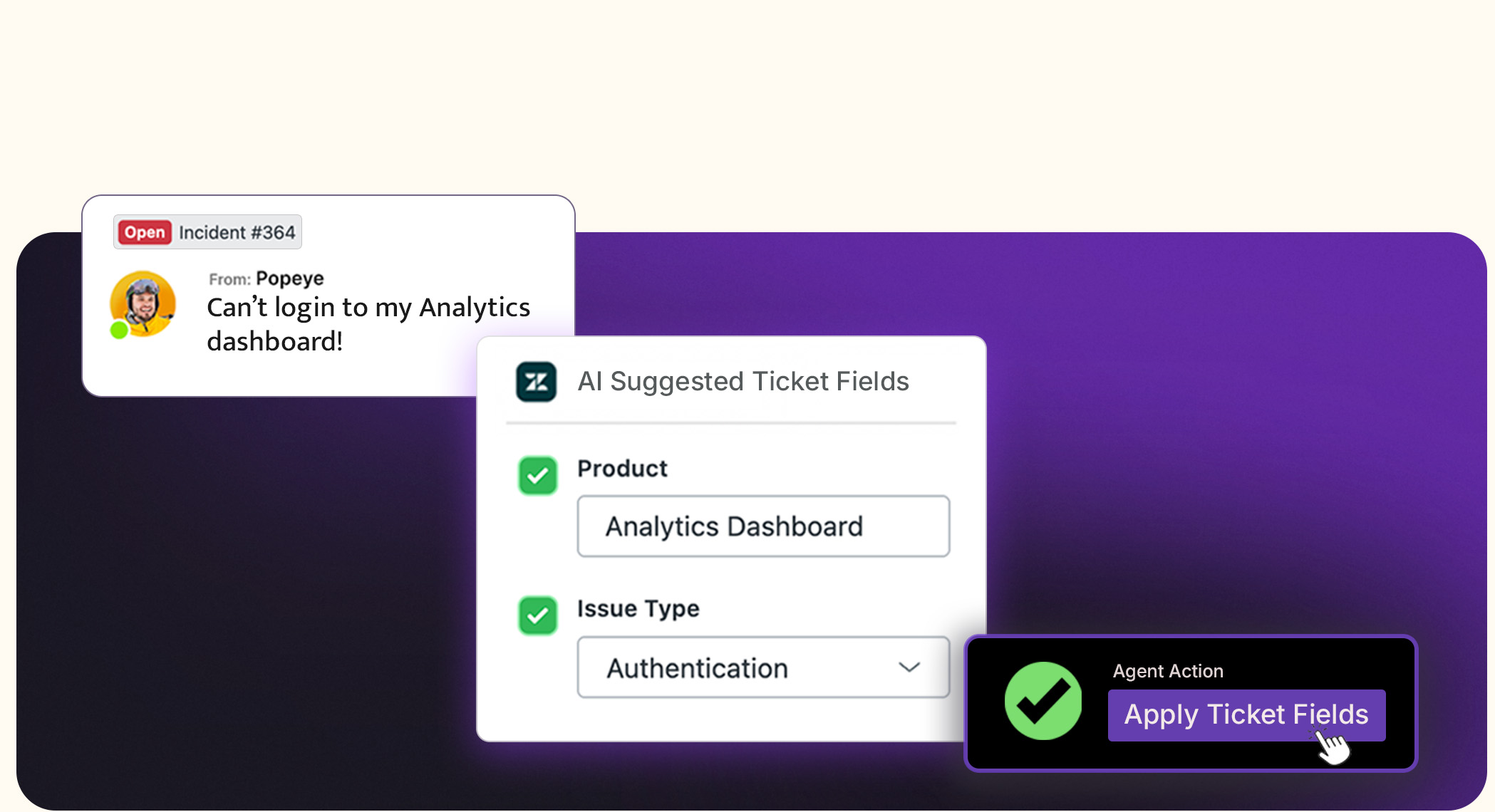
Agent-initiated, always controlled: AI runs only when an agent chooses to use it. Nothing happens without human input.
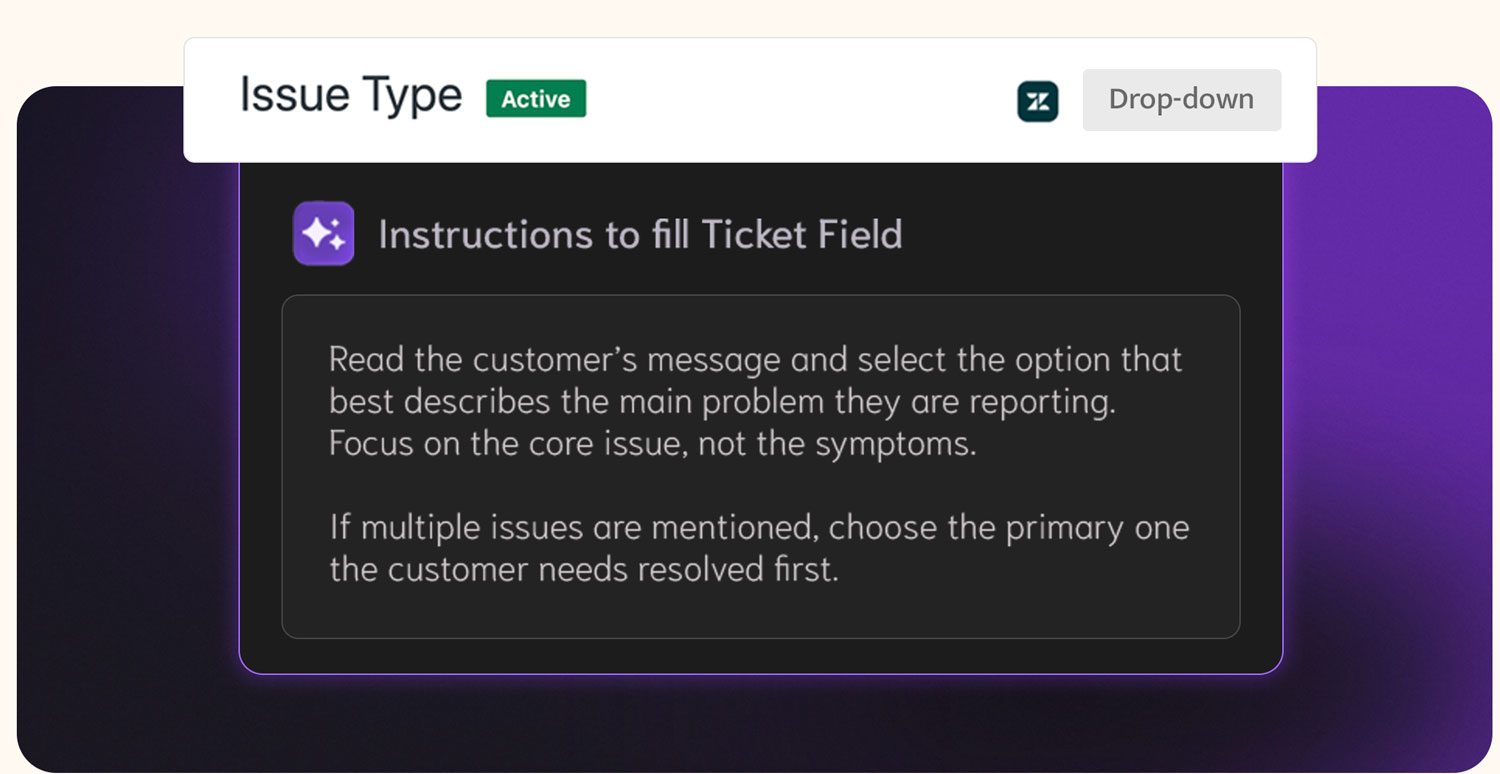
Custom instructions per field: Define how each field should be filled with clear rules and guidance for the AI.
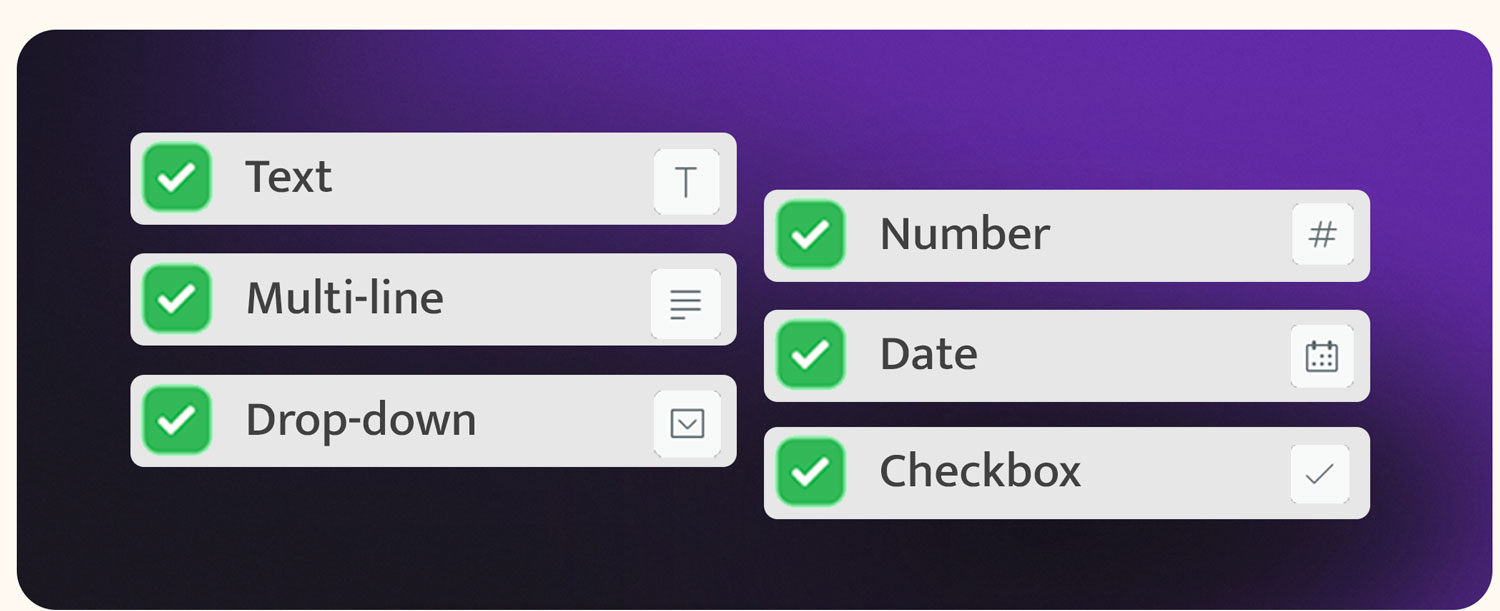
- Works with common field types: Supports dropdowns, text fields, multi-line fields, and tag fields.
Cleaner data without risk: Agents review field values before applying them — ensuring accuracy and trust.
Faster ticket handling: Reduce repetitive field updates while keeping agents focused on conversations.
Safe to use on any ticket: No automated changes, no surprises — ideal for teams that want AI assistance with full control.
How it works
- Install the app on your Zendesk.
- Open any Zendesk ticket → open the app from the right sidebar → agent clicks to run AI.
- (Optional) Add field instructions in the app dashboard.
Review suggested field values and apply.
Who it's for
Support teams that:
- Want AI help without giving up control
- Prefer agent-driven workflows over automation
- Spend time manually filling ticket fields
- Need cleaner data without risking incorrect updates
Want AI assistance that fits naturally into daily workflows
Pricing
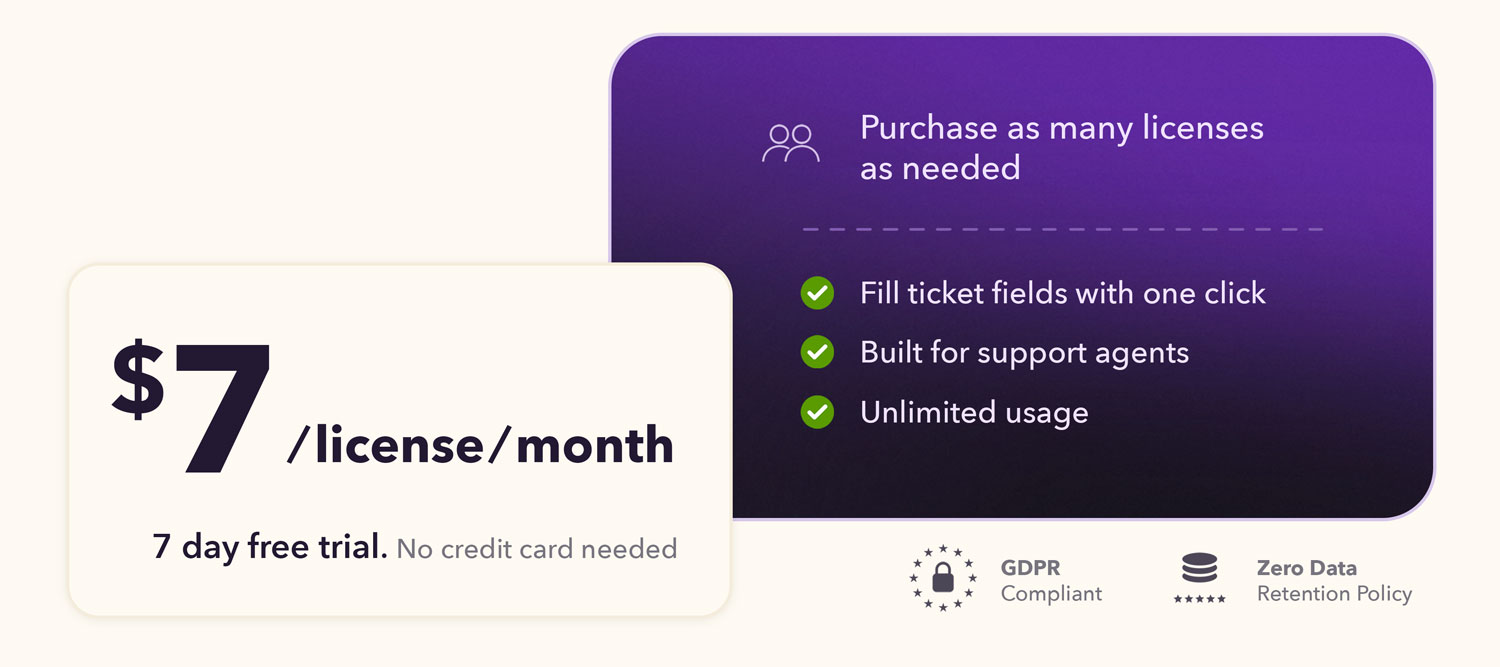
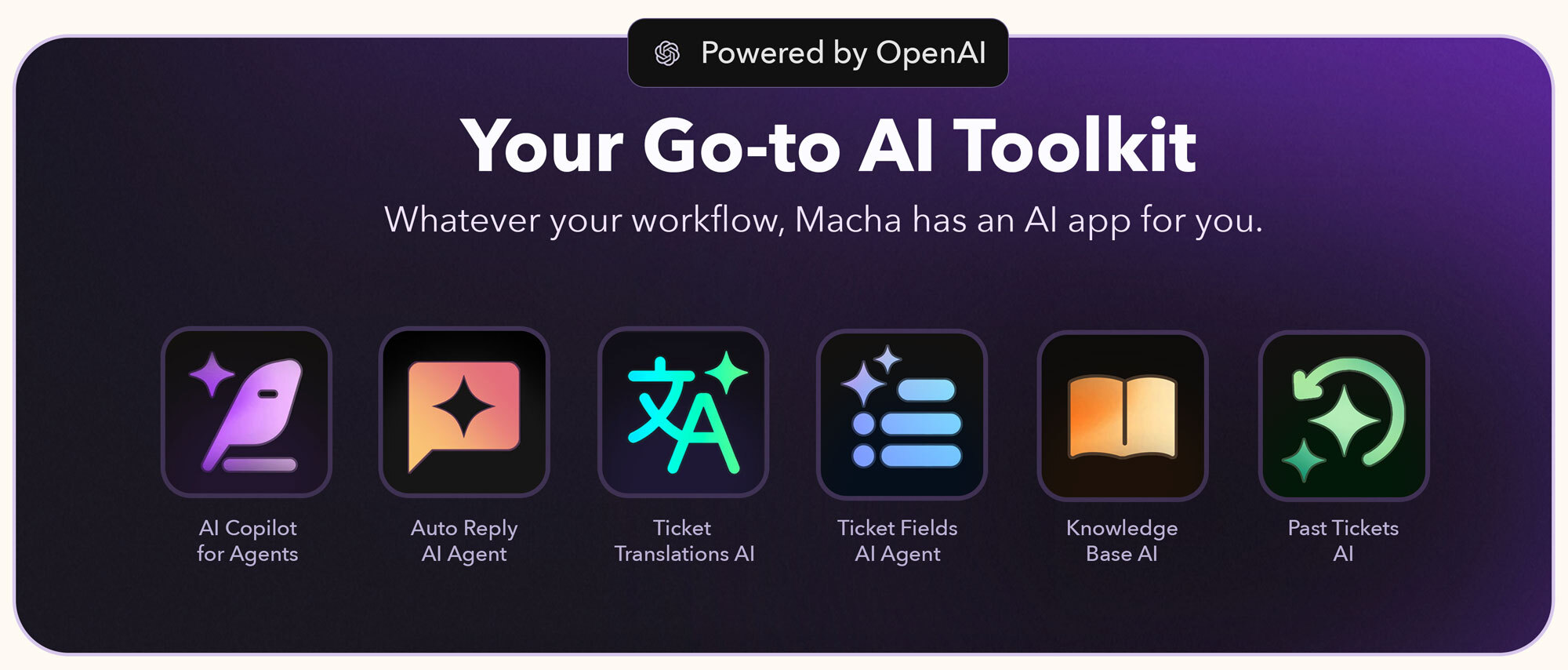
Explore the complete Macha AI app suite
Discover all our Zendesk apps here: Macha AI App Suite
Got questions?
Book a quick demo or onboarding session: Book a Quick Slot
Or email us at support@getmacha.com
Learn more about us at getmacha.com

Data Security at Macha AI
We prioritize data security to ensure your information remains safe.
- Minimal data storage: Only essential AI-generated content is stored.
- Encrypted AI-generated content: All stored data is encrypted.
- Automatic PII redaction: Personally identifiable information is removed before storage.
Privacy Policy, Security details, and Data Processing Agreement are available on our website.
Informatie over app
Installatie-instructies
Just 3 Simple Steps to Go Live
Install the Ticket Fields Assistant AI by Macha app.
Open any Zendesk ticket → open the Ticket Fields AI by Macha sidebar widget → connect your account.
Open any Zendesk ticket and start using.
That's it — setup takes less than 5 minutes.
Start Using Instantly
You can begin filling ticket fields as soon as you install and connect. Configuration is simple and fast.
Pricing
View plans at: getmacha.com/pricing
Need support?
Email us at support@getmacha.com
Laat een beoordeling achter
Deel je ervaring met de rest van de Zendesk-community