Zendesk vs. Kaizo
See why Zendesk outperforms Kaizo for QA. Try Zendesk for free and discover how you can empower agents to perform at their best.
Laatst gewijzigd September 19, 2025
Zendesk vs. Kaizo: Which is better?
A strong grasp of customer support quality is key to increasing CSAT scores, retaining customers, and growing your business. But with so many QA tools on the market, which one should you choose to help you outperform the competition?
When it comes to Zendesk vs. Kaizo, you may wonder which offers the most value. While they both offer QA tools, there are some clear differences between them.
Zendesk offers a fully integrated QA solution within its broader customer support ecosystem, giving you helpful automation, deep insights, and AI-powered features. Kaizo requires more manual effort and lacks some of the impressive AI and automation tools Zendesk offers.
We’ve compiled the details of each software to help you decide between Zendesk vs. Kaizo.
AI-powered QA
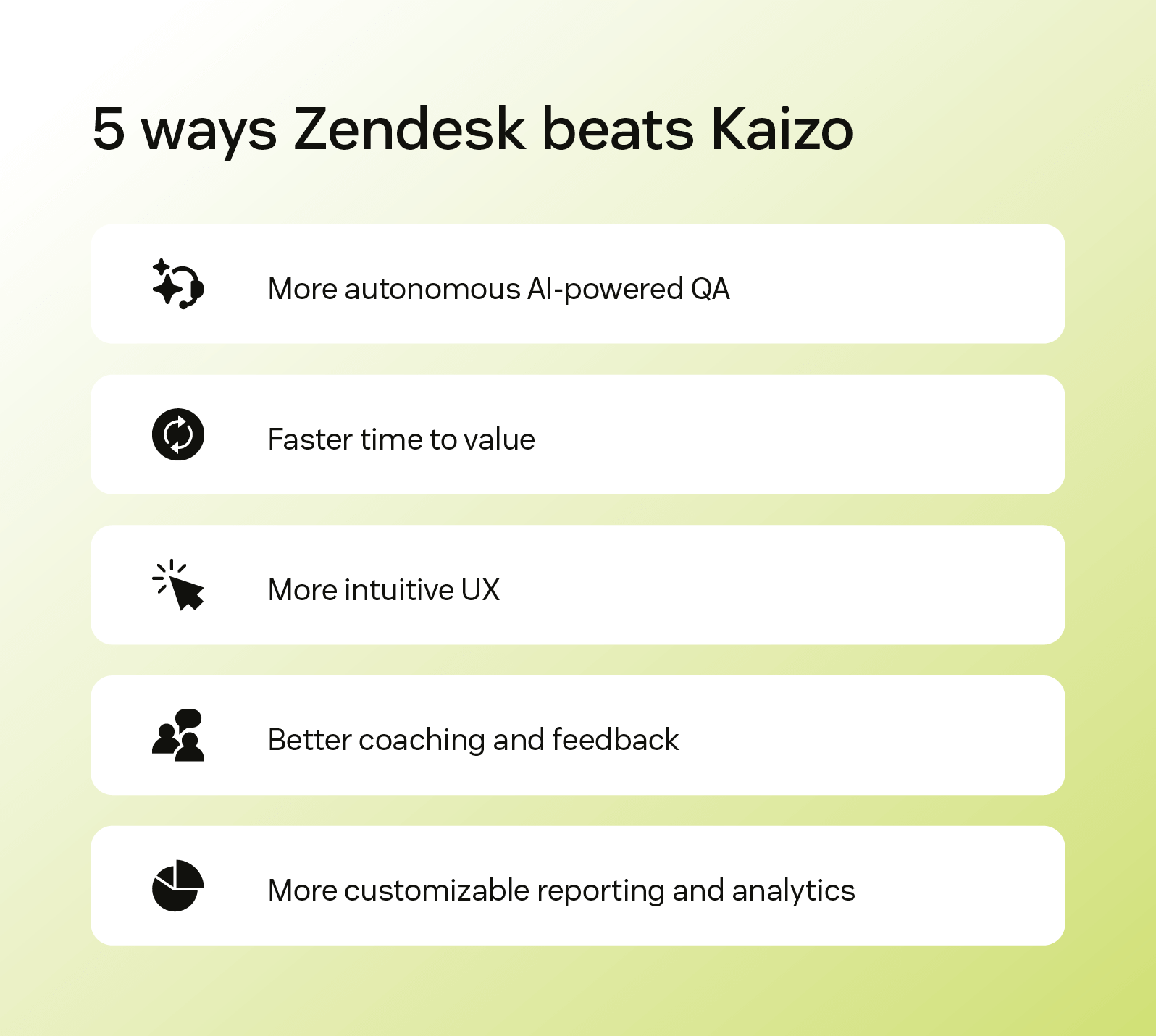
Zendesk uses AI to provide QA insights like trends, coaching opportunities, or outliers in conversations. There’s no need for manual selection of conversations to QA—the AI models assess 100 percent of conversations to ensure continuous coverage and quality. There are both out-of-the-box as well as custom-created categories and insights available, which helps companies fine-tune scorecards and the overall QA process to their needs. While Kaizo offers customizable QA scorecards, it doesn’t provide the same level of AI-powered automation, requiring more manual effort.
Fast time to value
Because Zendesk embeds its customer service QA software into the broader Zendesk solution, you get quick setup and immediate value. You can start scoring conversations, creating workflows, and analyzing information almost instantly. On the other hand, Kaizo requires more upfront setup and customization, extending its time to impact.
Intuitive user experience
The user experience with Zendesk is modern, intuitive, and easy to learn. QA interface includes full conversation view, scorecards, calibration, assignments, filters, coaching, dashboards, and more. And because QA is embedded within the rest of the solution, you get seamless alignment without context switching.
Kaizo’s UI is focused on QA and coaching, but because it mostly integrates with other products, it requires users to move between multiple systems.
Coaching and feedback
Zendesk QA includes built-in Coaching, which combines a full overview of coaching sessions, 1-1 templates, quizzes, and pins to enable precise, immediate feedback loops.
Kaizo doubles down on gamification but multiple leaderboards don’t replace actual insights. The whole system can be more challenging to implement and isn’t native within the broader system.
Reporting and analytics
Zendesk includes customizable analytics and dashboards so you can keep track of QA trends, agent performance, and AI-driven insights. Filtering QA data by channel, topic, or other custom fields is simple and intuitive.
Kaizo offers dashboards, but the filtering options are limited, especially since QA isn’t natively integrated with the rest of the CX workflow.
More in this guide:
- At-a-glance comparison: Zendesk vs. Kaizo
- Zendesk vs. Kaizo: Features comparison
- Pricing plans: Zendesk vs. Kaizo
- Customer stories
- Frequently asked questions
- Get started with Zendesk
At-a-glance comparison: Zendesk vs. Kaizo
Here's a quick glimpse of Zendesk vs. Kaizo and how they compare when it comes to the critical capabilities you need.
|
Critical capabilities |
Zendesk |
Kaizo |
|
QA automation |
|
|
|
Coaching tools |
|
|
|
Gamification |
|
|
|
Performance tracking |
|
|
|
No-code AI |
|
|
|
Conversation discovery |
|
|
|
Reporting and analytics |
|
|
Zendesk vs. Kaizo: Features comparison
Let’s take a deeper look at Kaizo vs. Zendesk and how well each hits the mark on crucial features.
QA automation
Automate your QA process with Zendesk QA. |
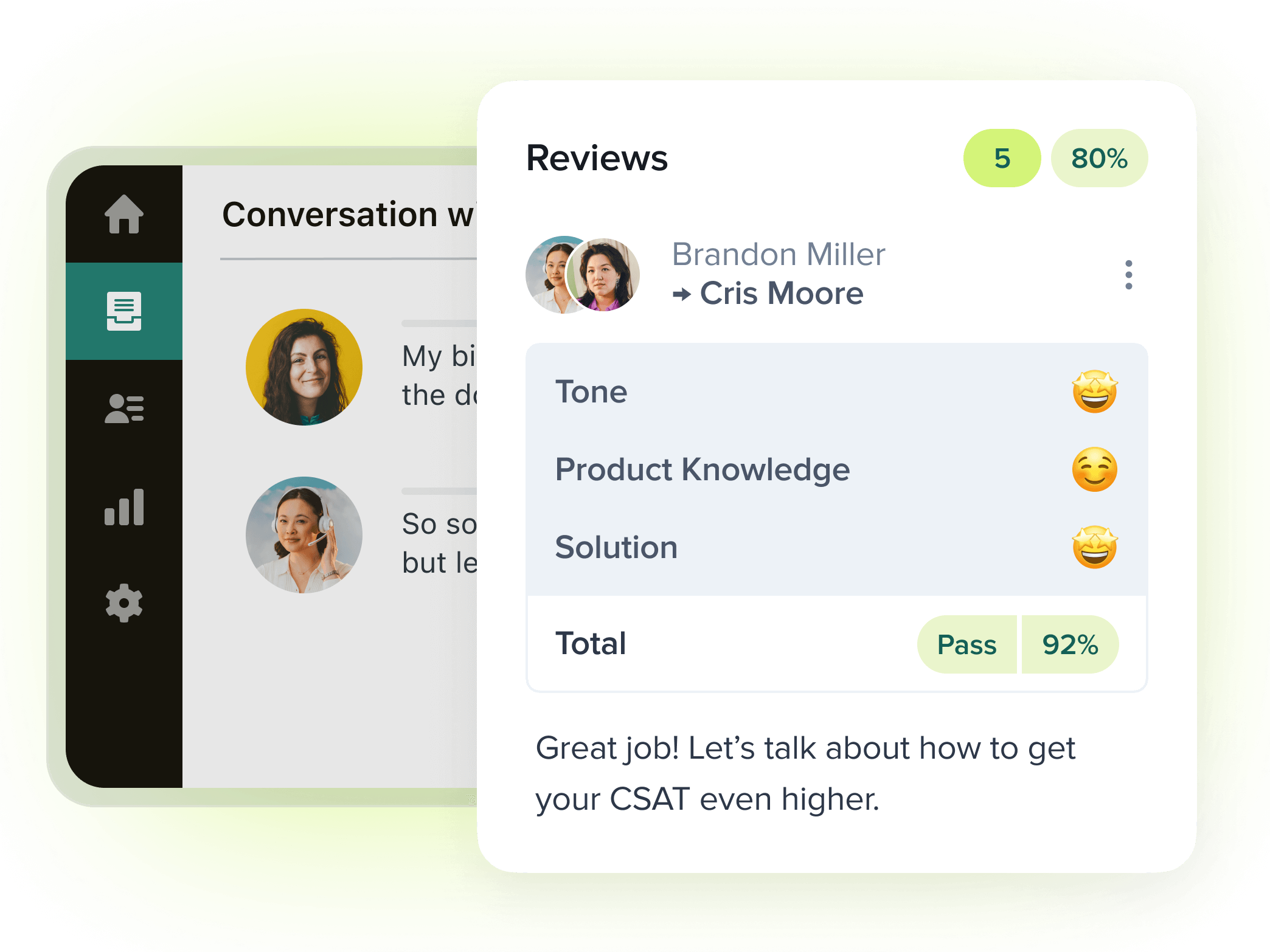
Zendesk offers AI-powered QA that analyzes 100 percent of conversations across all channels, including phone, text, chat, and more. Create custom AutoQA categories and Spotlight insights to evaluate your agents' performance and surface anomalies and risks. Use these insights to call out agent coaching opportunities—little to no manual effort required. AI-powered features ensure that no conversation slips through the cracks, and your QA team is proactive and productive. Kaizo offers customizable scorecards, but reviewers have to manually run them. It’s helpful for targeted evaluations but less scalable since it requires human effort. Insights are only as fast as the team reviewing them. |
Coaching tools
|
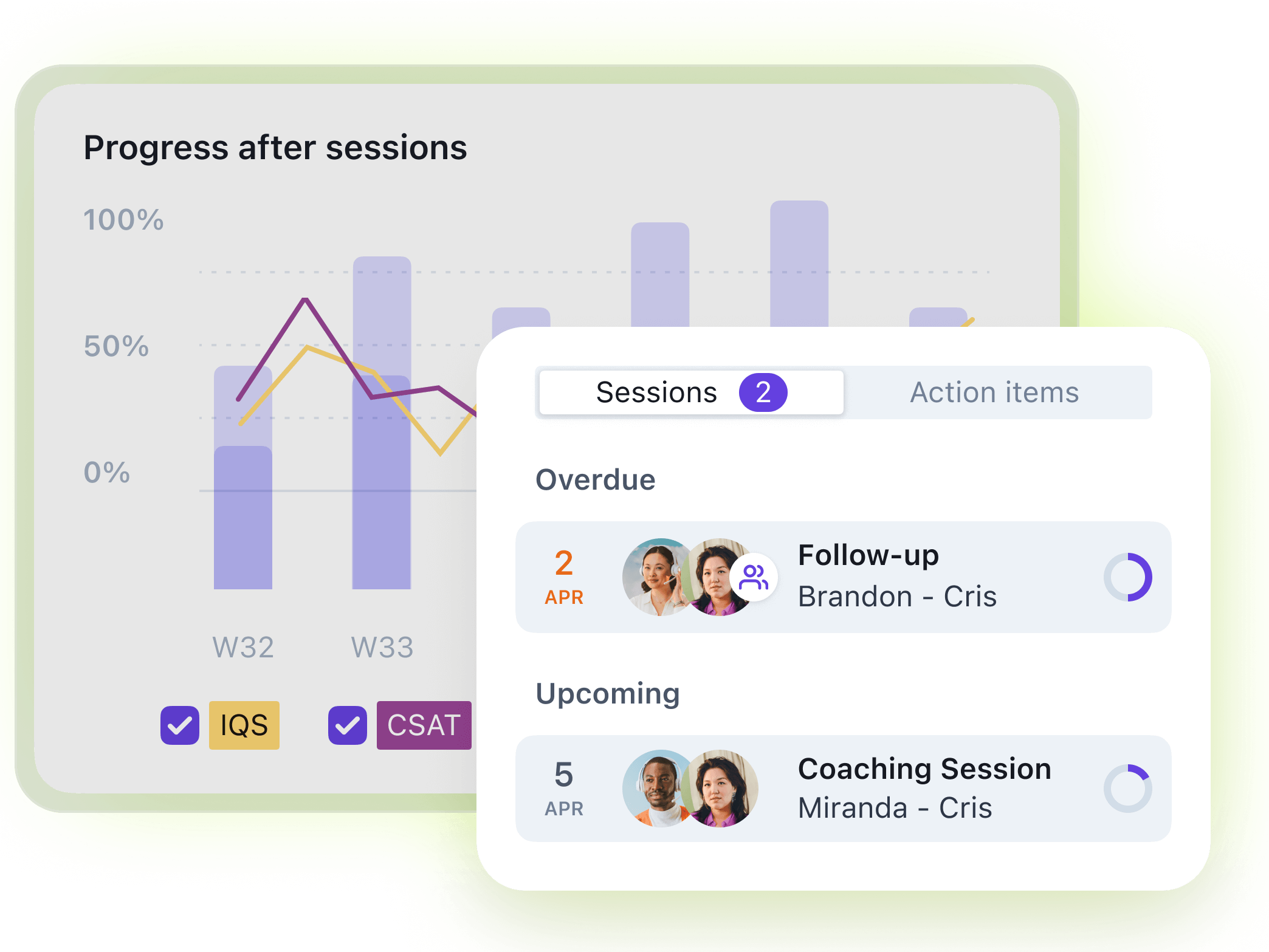
Zendesk offers coaching directly within the QA platform. Managers can leave feedback within tickets, assign tags and follow-ups, and keep track of improvements over time. Pinned conversations can later be used in 1-1s. Managers can track performance trends in dashboards and create quizzes to ramp up agent knowledge on weaker areas. It’s a connected experience that keeps coaching part of everyday customer support operations. Kaizo highlights its gamification features. Reviewers can provide feedback and scores, but Kaizo doesn’t include the full functionality that Zendesk does, such as inline feedback directly within the ticketing feature. |
Streamline agent coaching with Zendesk WEM. |
Performance tracking
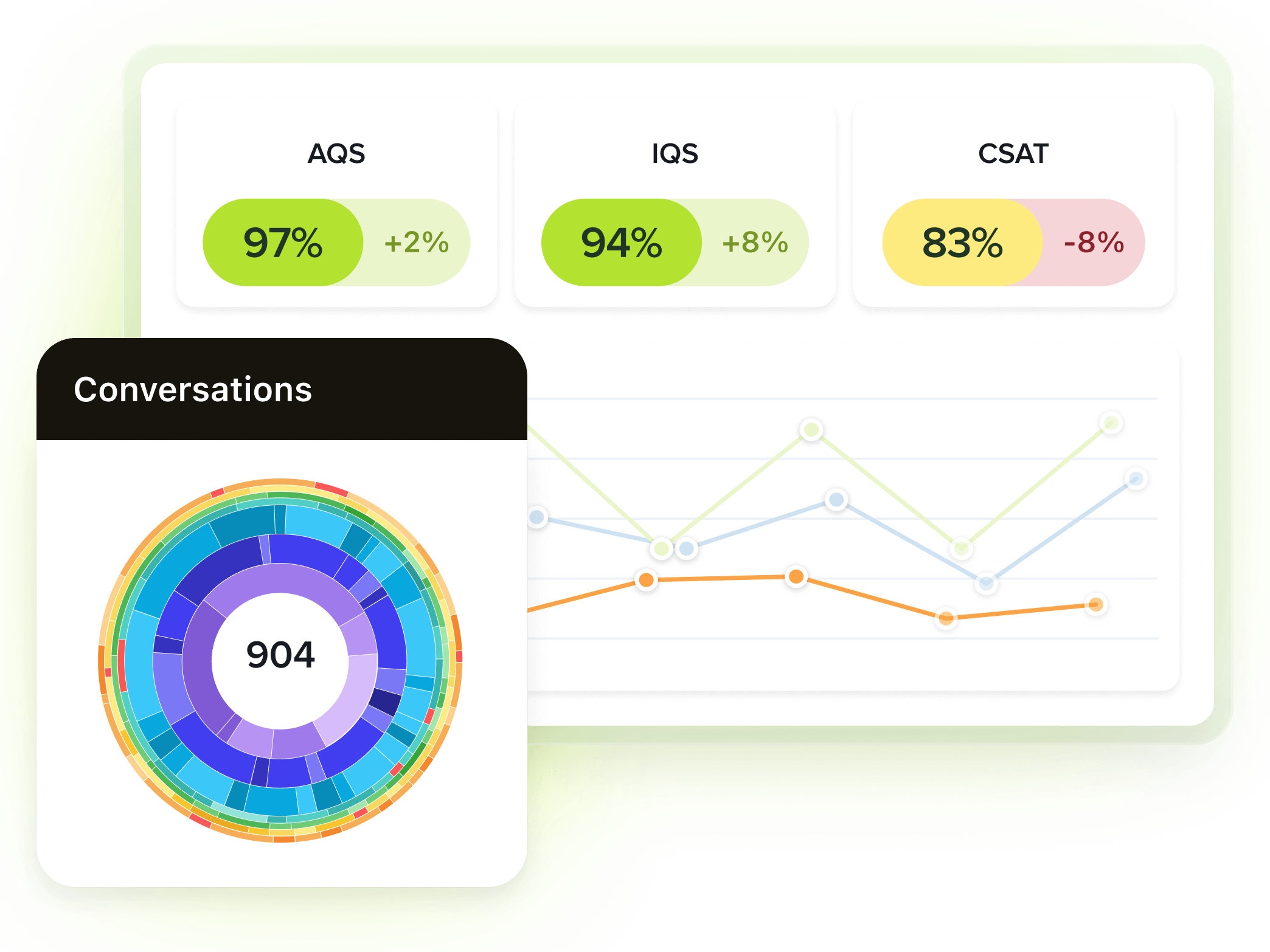
Easily track support and agent performance with Zendesk. |
Zendesk delivers comprehensive performance tracking that makes QA scores, coaching history, productivity metrics, and customer sentiment visible on multiple dashboards. This lets managers and team leaders track agent performance, discover trends, and understand the root cause of issues. And because QA is part of the broader Zendesk ecosystem, this data isn’t in a silo. Instead, it’s connected to support workflows so you can tie QA and performance to other metrics like CSAT or resolution time. Kaizo offers dashboards to track performance with QA scores, coaching information, and agent objectives. However, it lacks integration with broader customer support metrics. |
No-code AI
|
AI is built into Zendesk, and our AI-powered features are intuitive and easy to use—no coding or development knowledge required. In QA, create custom prompts using plain, human language. Tweak category weights for advanced scorecards in one single place under settings. This built-in AI also helps you prioritize reviews, surface potential issues, and flag interactions that might require a human touch or escalation. The minimal setup time required means you’ll start getting value right away. Kaizo does not currently offer AI scoring or ticket analysis without manual input. Instead, teams have to manually select the tickets they want to review. This not only takes more of the team’s time, but it also risks missing important conversation data. | 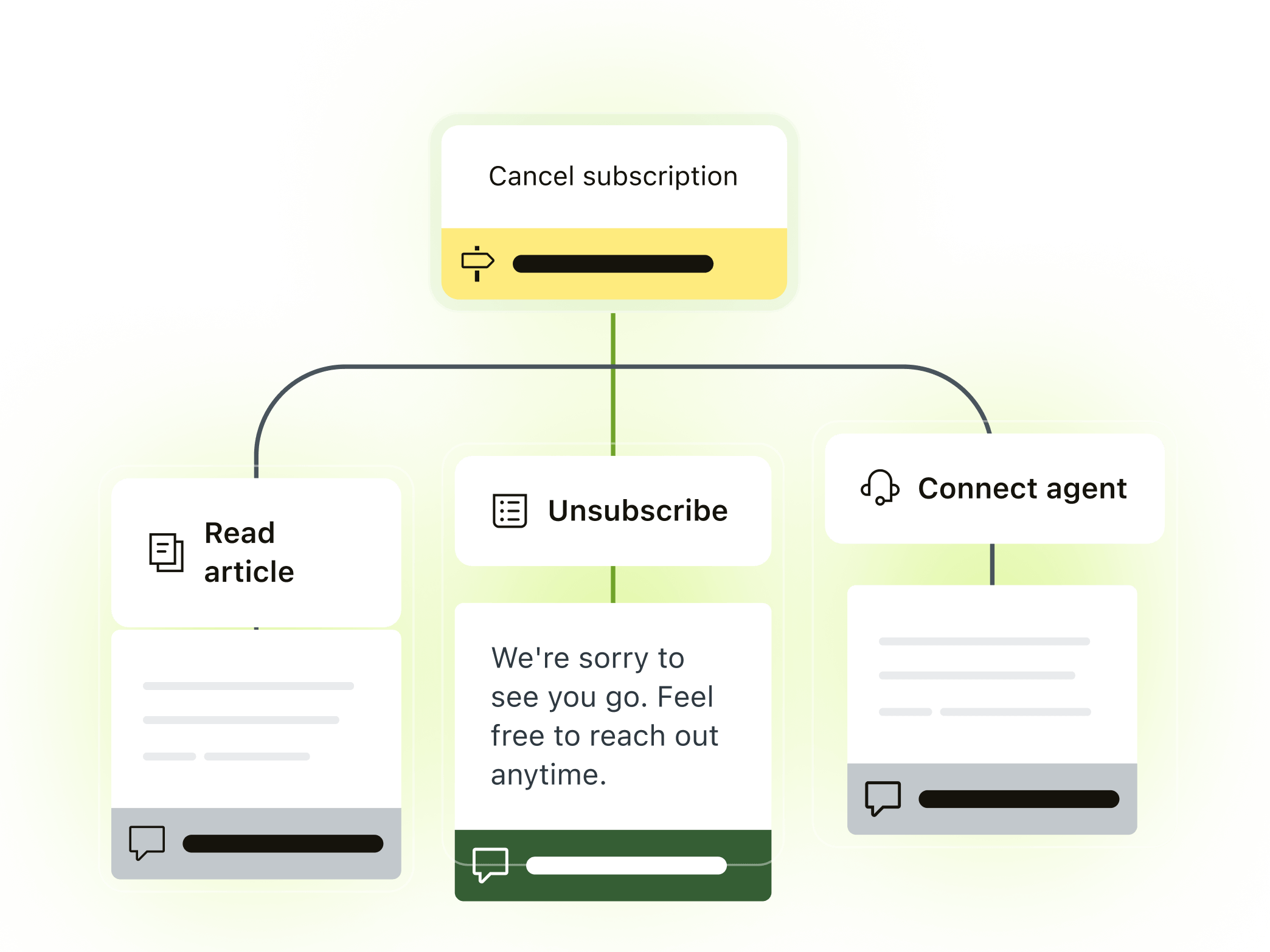
Discover what Zendesk AI can do for you. |
Conversation discovery
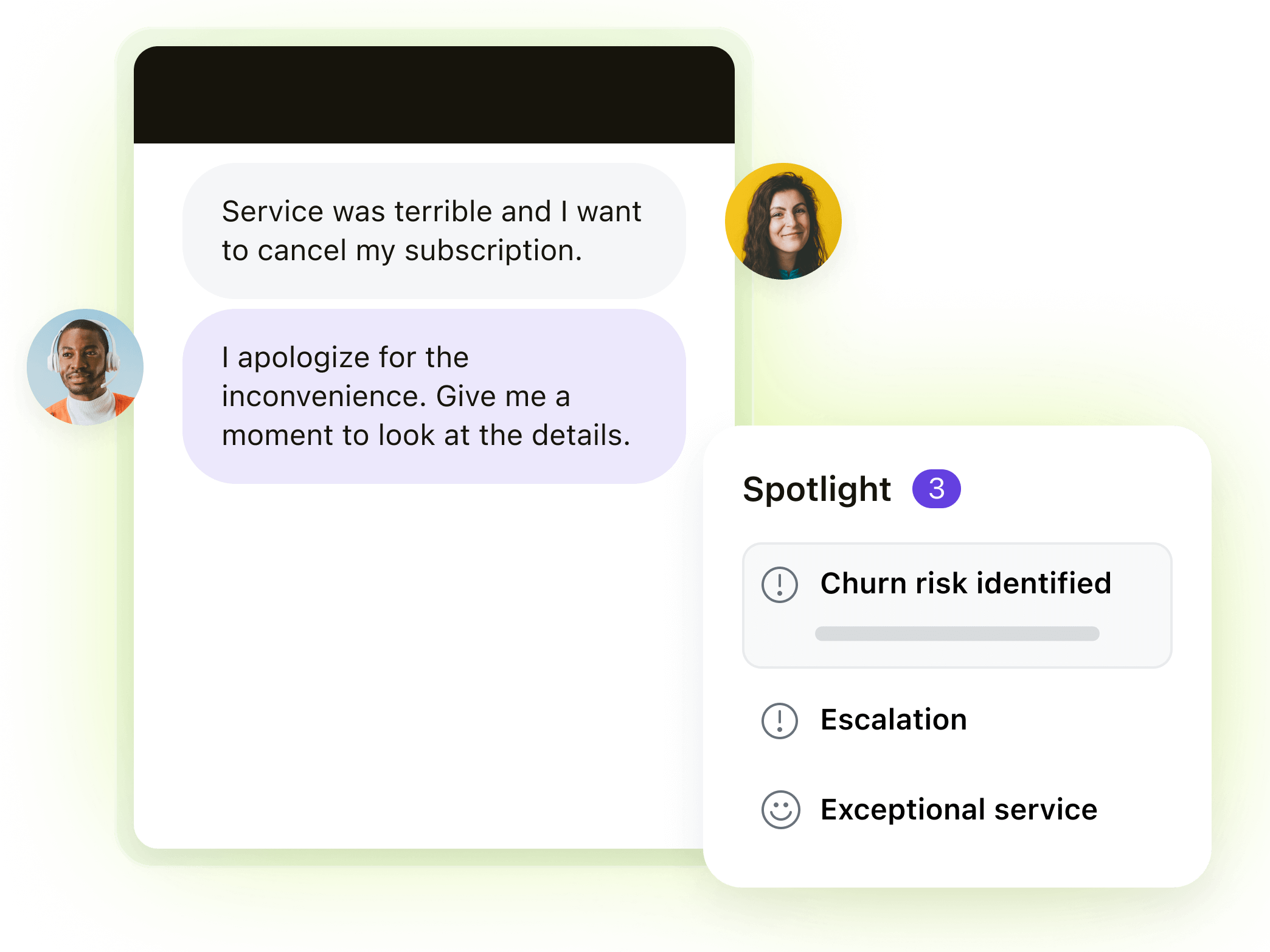
Quickly spot critical issues and reduce churn risk with Zendesk QA. |
Zendesk uses AI-driven Spotlight to automatically uncover notable conversations, whether due to churn risk, high impact, or other anomalies. It’s easy to surface trends, issues, or process breakdowns. Plus, you can use custom prompts, smart filters and detection to assess things like unexpected agent behavior, allowing you to step in before problems escalate. AI-powered reviews are available across all channels and for both human and AI agents. Kaizo offers sentiment and empathy tracking, but these don’t flag key events or information like churn risk, escalations, or follow-ups. |
Reporting and analytics
|
Zendesk includes customizable reporting that covers QA metrics, customer feedback, and operational data in a single system. You don’t see just QA scores; you view them alongside agent KPIs, CSAT scores, ticket volume, and more. Easy filtering, custom report creation, and visual dashboards give you a 360-degree view of your entire support organization. Kaizo offers performance and coaching reports, but without as many filtering options. Plus, it doesn’t natively integrate with broader CX data, providing a more limited view. | 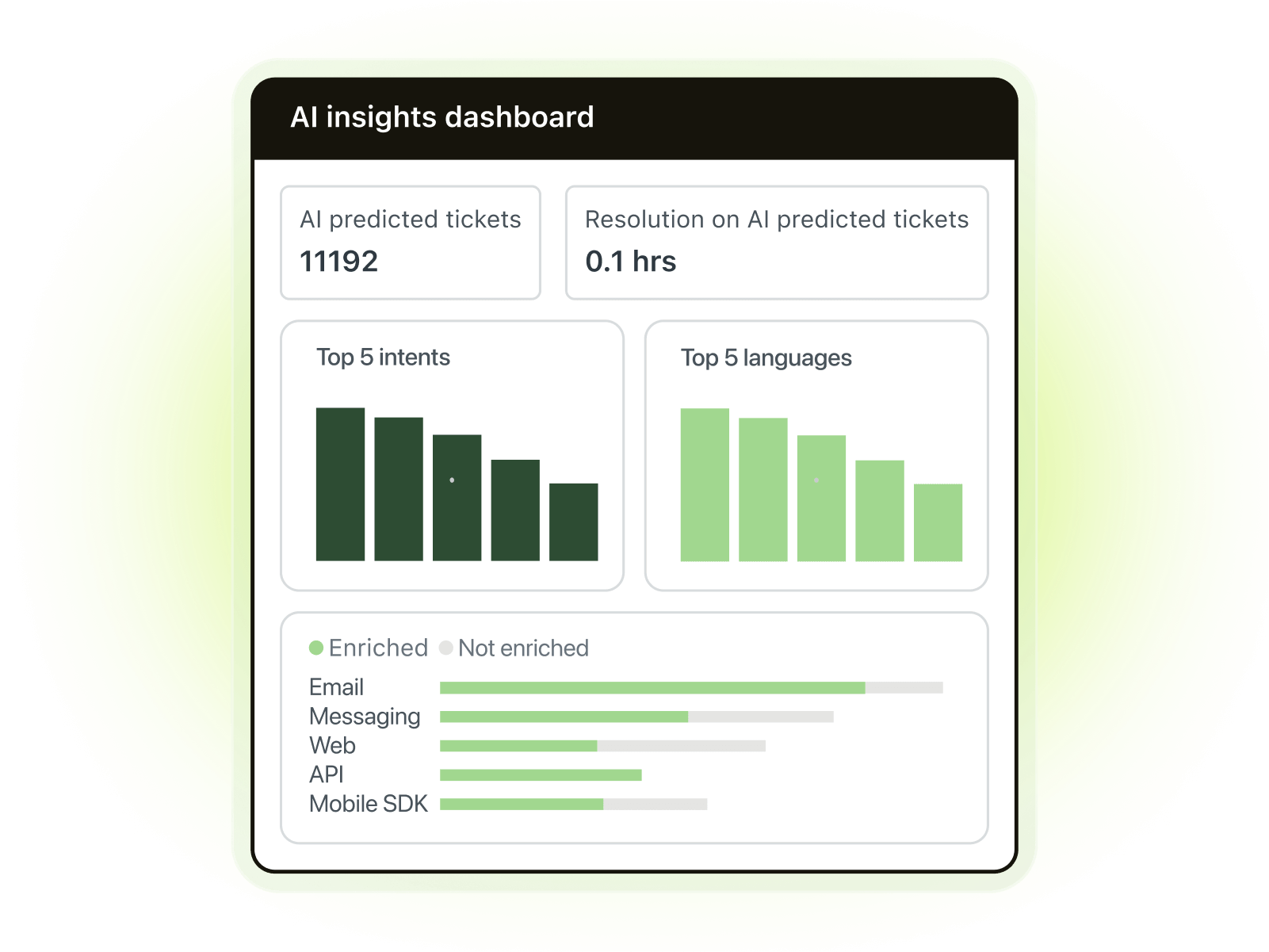
Learn more about advanced reporting and analytics with Zendesk. |
Pricing plans: Zendesk vs. Kaizo
|
Zendesk |
Kaizo |
|
|
|
*Plans are billed annually. |
Zendesk gives you immediate value, requiring minimal setup and covering your entire customer support workflow. With Zendesk, you pay an affordable, tiered price and eliminate the need for additional tools or third-party add-ons. And the tiered structure means you can select the price that makes the most sense for your business as you scale.
While Kaizo also offers tiered pricing, users have to spend more on additional integrations and tools. Plus, there’s an opportunity cost—with the requirement for manual review prompting, teams spend more time and risk missing critical flags.
Customer stories
Don’t just take our word for it. Real customers are benefiting from Zendesk quality management software today. Here's what they have to say.
Kahoot!
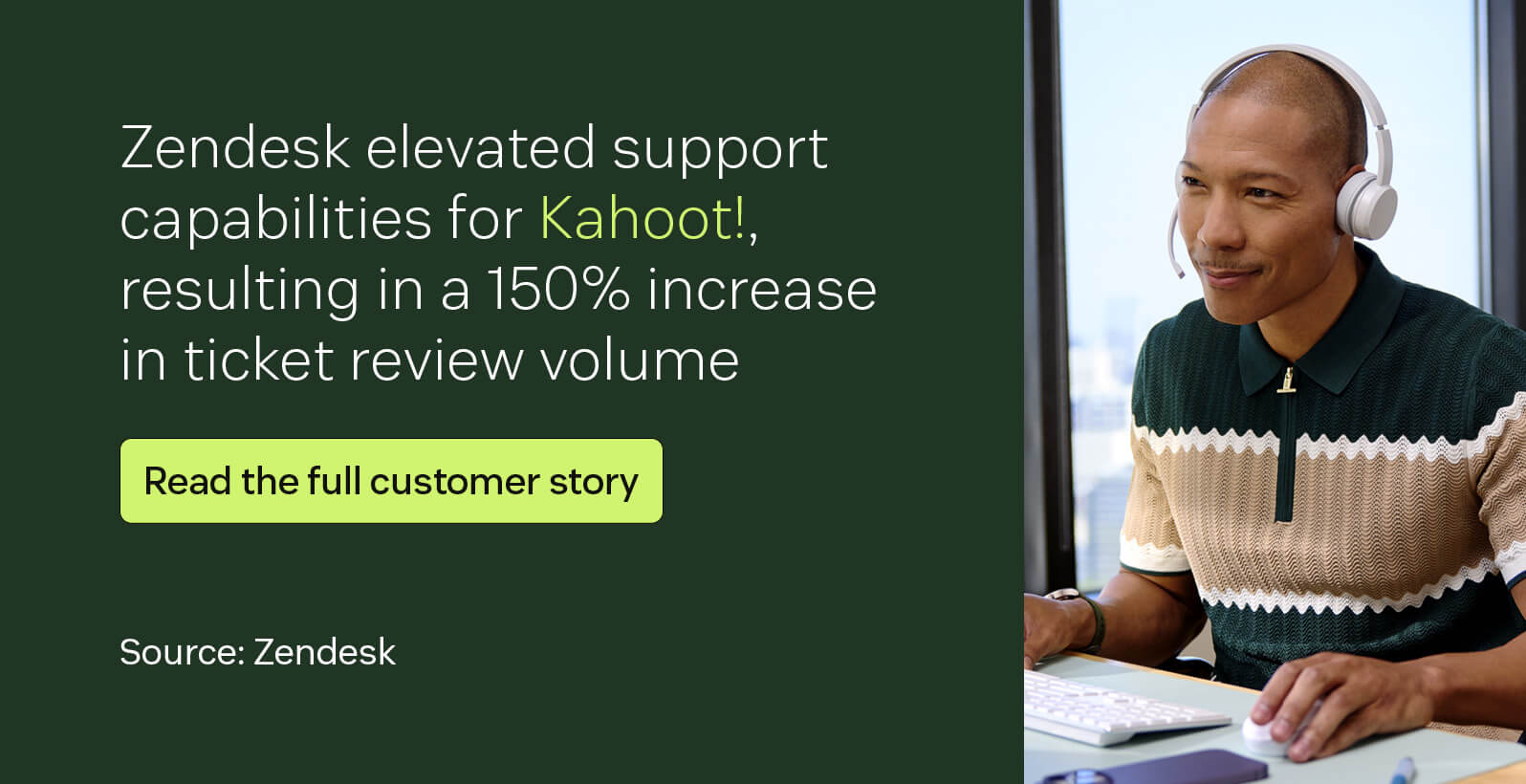
“Efficiency is the biggest benefit [of Zendesk]. Everything quality-related is in one tool.”
—Filip, senior quality and training specialist at Kahoot!
Avianca

“We partner with Zendesk to gain visibility, improve customer experience, and have better control of our operations. That’s what we’ve been doing [for] the last year, and with great results so far.”
—Juan Sebastian Rodriguez, customer service and contact center director at Avianca
CityGo
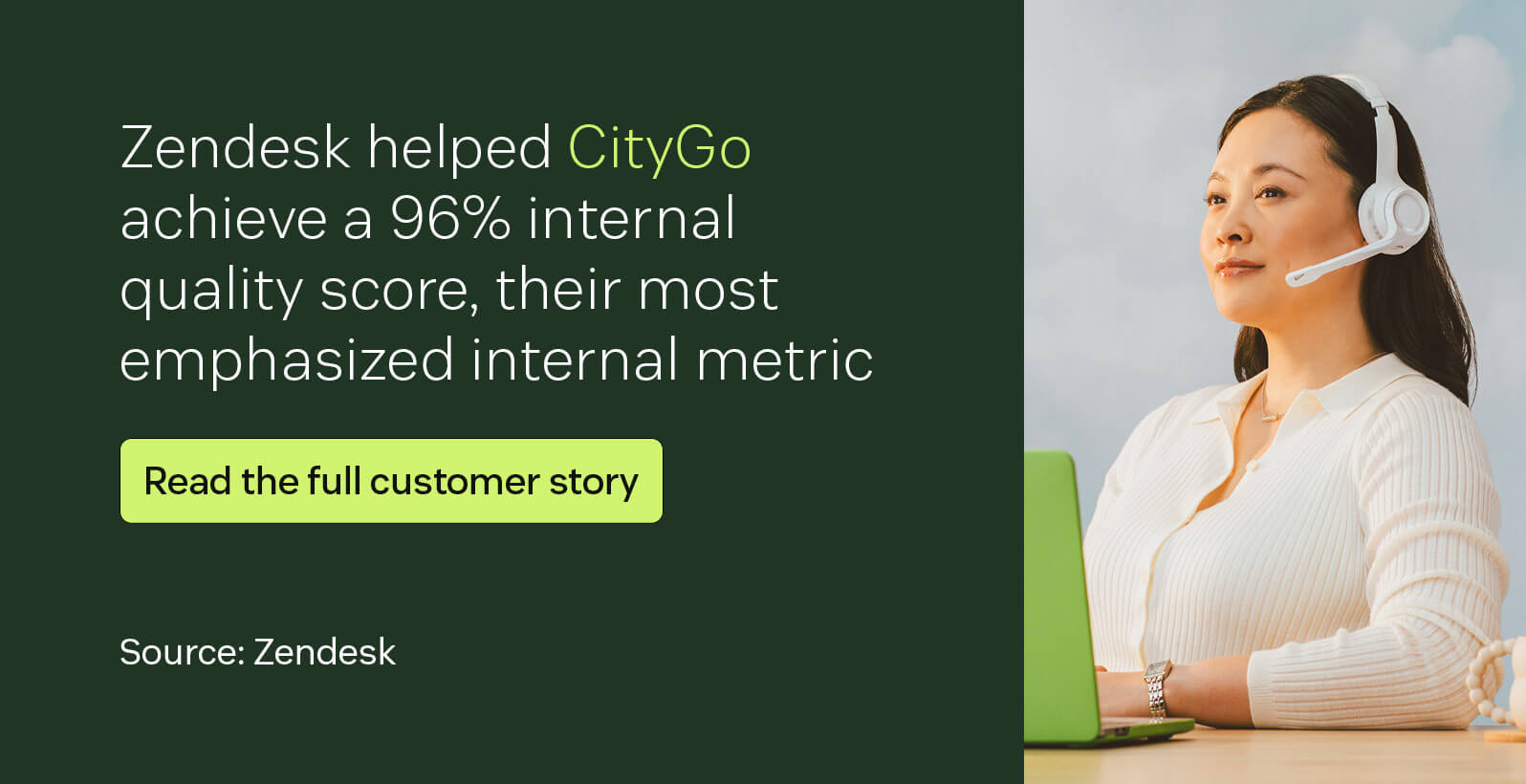
“Customer service teams need the right tools to work at their best. Using spreadsheets, my quality manager lost a lot of time each month. Zendesk QA offers the possibility for the whole team to participate; it gives voice to your team.”
—Michael (Micka) Buczynski, head of customer service at CityGo
Frequently asked questions
Ready to try Zendesk?
Zendesk is a powerful, automated, and integrated QA solution that helps you drive stronger agent performance, faster feedback and meaningful coaching, and scalable quality across channels. Elevate your customer experience with no-code AI, 100 percent conversation analysis, and customizable reporting and dashboards.
Get started with Zendesk today.
Zendesk vs. the rest: Compare the software
Interested in how Zendesk compares to other software? Take a look.