NPS and Survey
Empower your sales & support team’s performance with the NPS & CSAT surveys.
About this app
Multi-Question CSAT, NPS & Custom Surveys for Zendesk
Most survey tools and Zendesk’s built-in rating system limit you to a single question or simple rating. Our Zendesk NPS and Survey app goes further, capturing structured, multi-question, AI-ready feedback that helps you truly understand the customer experience behind every interaction.
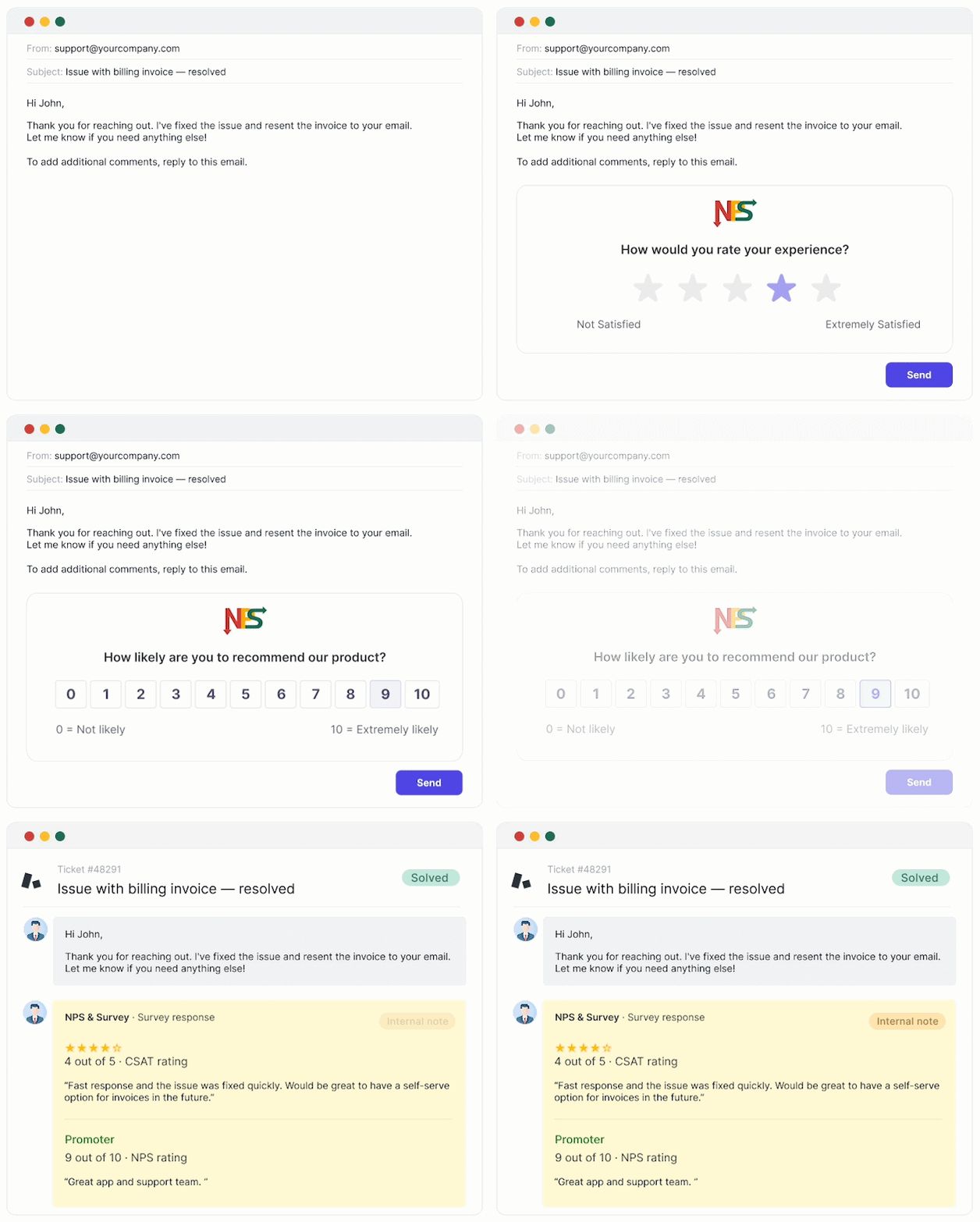
Build multi-format surveys that mix NPS, 5-star CSAT, Yes/No, and open text in a single flow. You can automatically send them after key support events using Zendesk triggers, and see responses directly inside tickets.
💡 Start your 14-day free trial — install with one click.
Want to get a personalized app setup? Book a 15-minute demo to customize NPS and Survey for your team and get started faster.
This Zendesk survey integration runs on triggers. Set it up once — surveys are sent automatically, and all responses link directly to tickets in Zendesk. No code required.
Why teams choose NPS and Survey app for Zendesk?
Mixed-format surveys (New)
Most survey tools support only one question type per survey. We let you combine them. Mix NPS + CSAT, Yes/No + open text, or ratings + follow-up questions in one survey flow to capture richer, more actionable feedback.

Survey types you can combine:
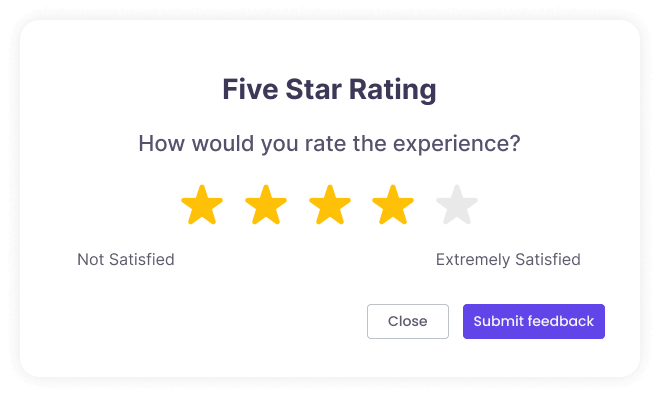
⭐ 5-Star CSAT
Capture nuanced customer satisfaction levels that Zendesk's binary Good/Bad simply can't measure. Make targeted improvements based on real customer sentiment.
📊 Net Promoter Score (NPS)
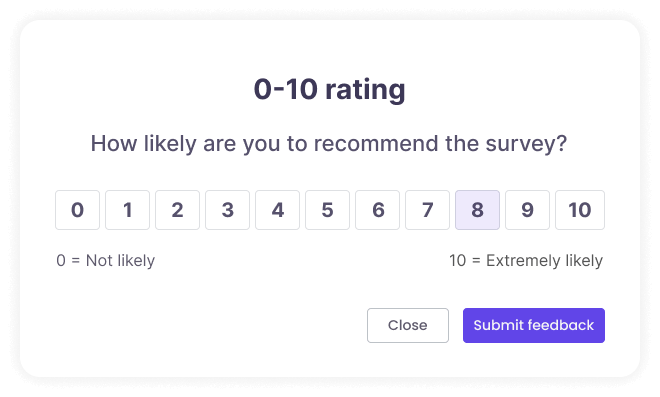
Measure customer loyalty on a 0–10 scale. Identify your Promoters, Passives, and Detractors — and track how that balance shifts over time.
✔️ Yes/No surveys
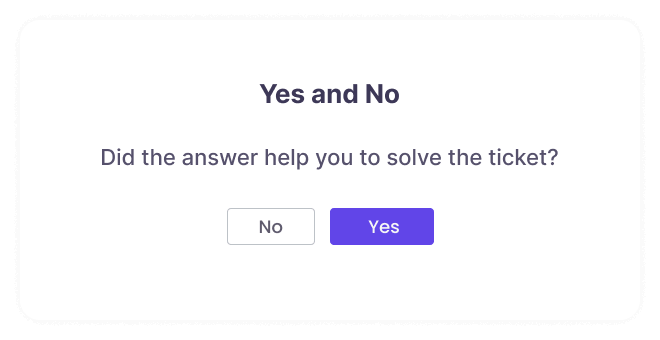
Ask straightforward questions and get clear, unambiguous answers. Perfect for quick pulse checks.
💬 Open text feedback
Let customers share detailed feedback in their own words. Especially powerful when combined with a rating question.
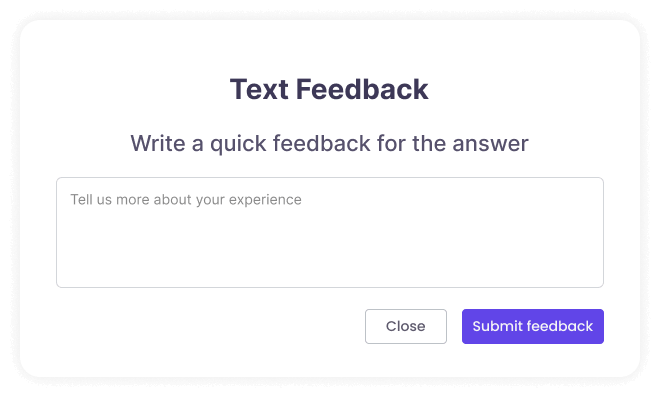
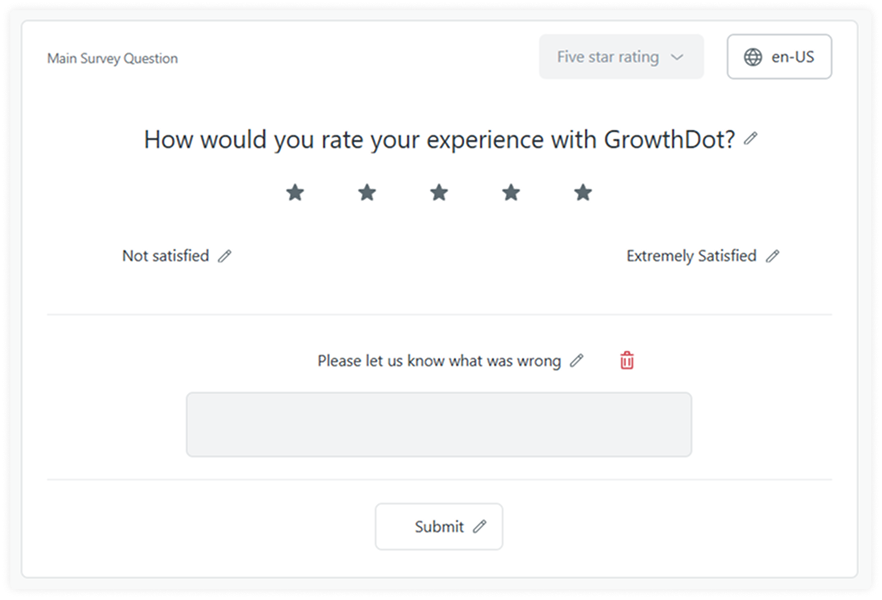
Follow-up messages for low scores
Automatically prompt customers when a score falls below your threshold: "Please let us know what went wrong." Get the context behind every low rating and turn feedback into actionable insights.
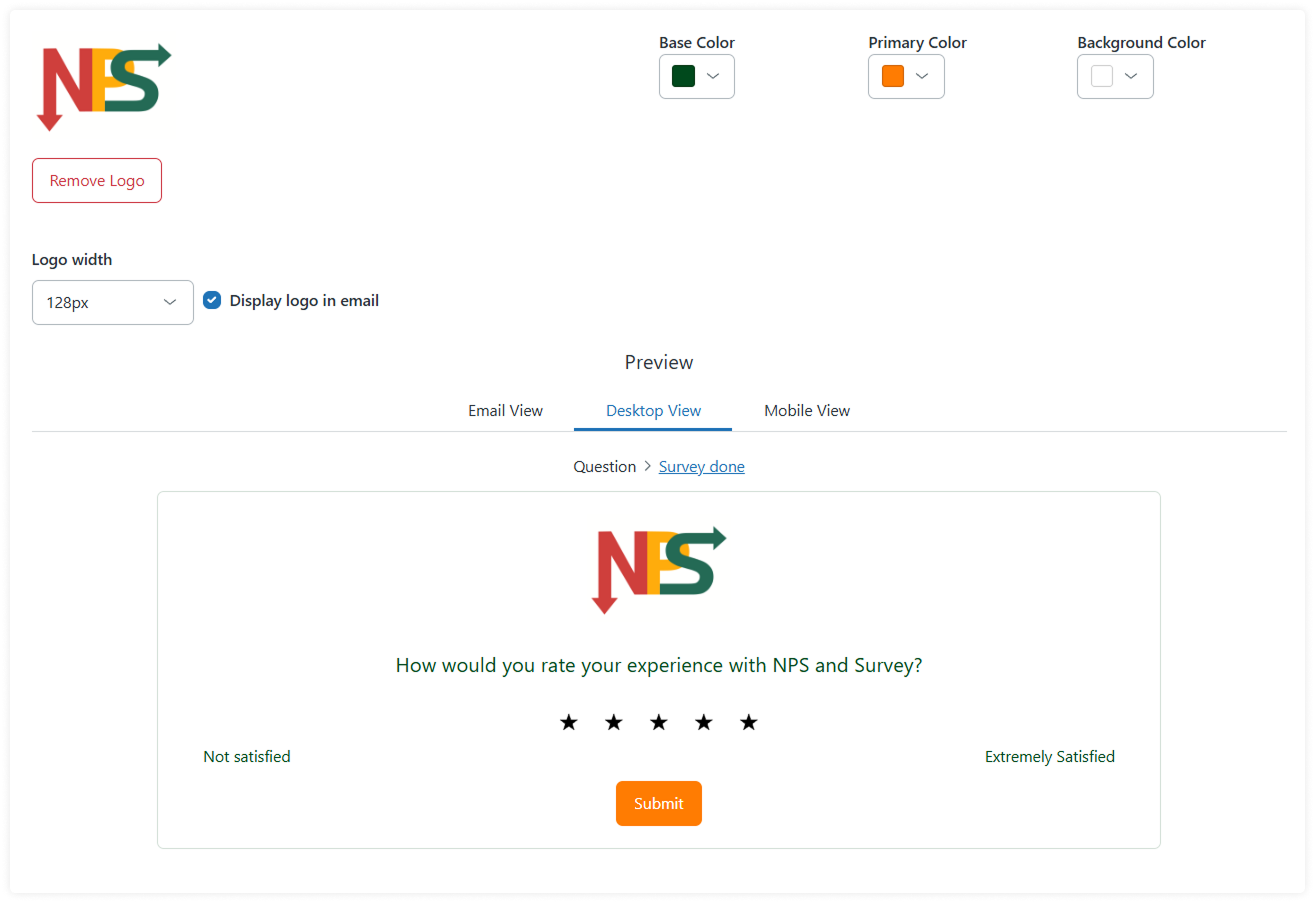
Branded surveys
Personalize every survey with your logo and color scheme. So each interaction becomes a seamless extension of your brand, not a generic feedback form.
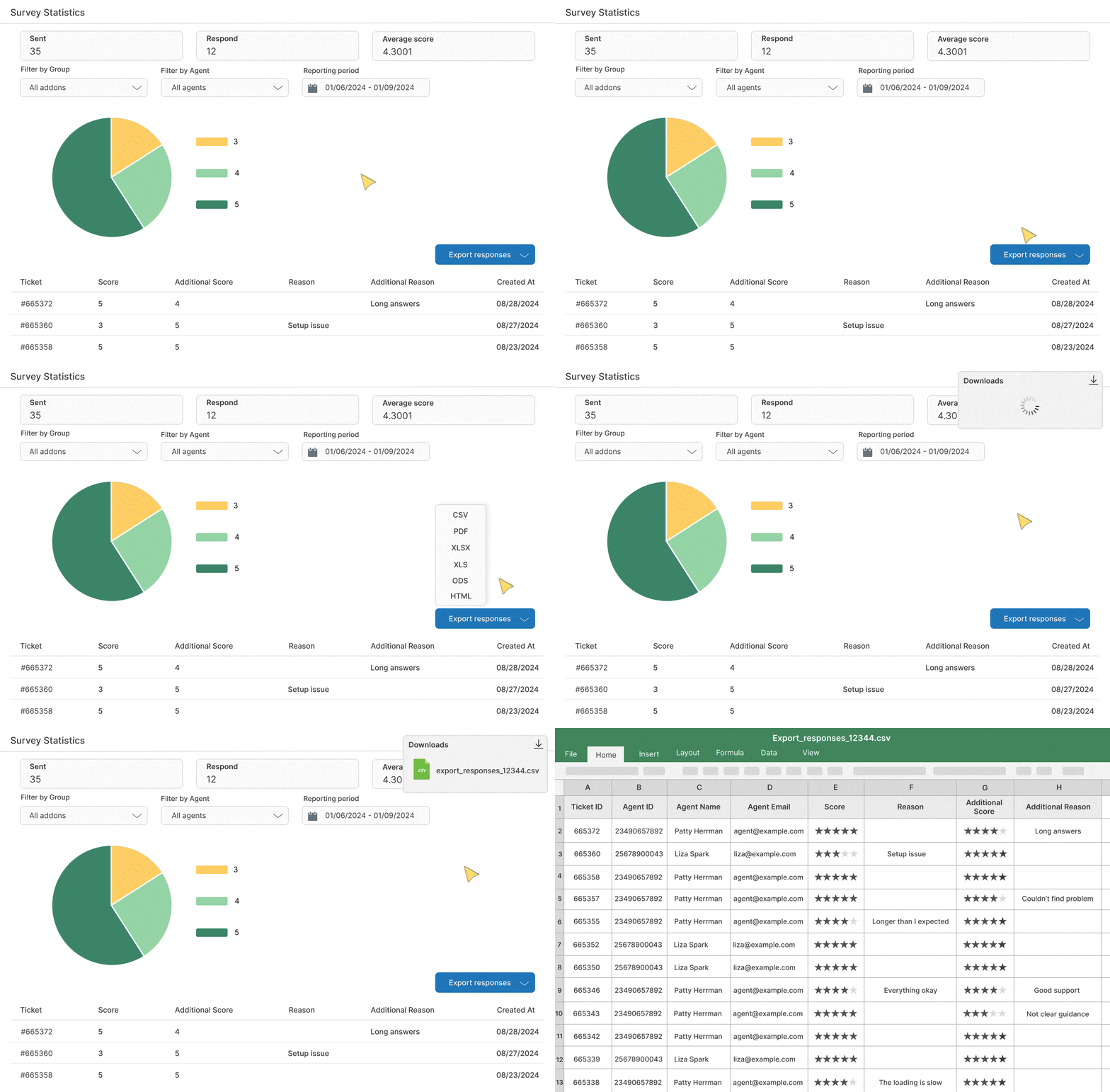
Performance reporting & exports
Use built-in statistics to analyze team and agent performance. Filter by agent, group, or date range. Export all responses to generate custom reports, share insights across teams, or run further analysis outside Zendesk.
Key features of Zendesk NPS and Survey app
Automatic survey sending via Zendesk triggers
Multi-question, mixed-format surveys
4 survey types: NPS, CSAT (5-star), Yes/No, open text
Follow-up messages for low scores
Agent and team reports with filters
Full customization: logo, colors, text
Responses linked directly to tickets
Multi-language surveys
Try it free now - no credit card required
14-day free trial. One-click install. Cancel anytime. Have questions? Ask us at contact@growthdot.com.
How we handle your data
NPS and Survey integration accesses only the minimum data needed to collect feedback and display results, fully aligned with Zendesk guidelines. All surveys and responses are processed securely within your Zendesk account. Your data is encrypted, stored on AWS, and never shared with third parties.
Informatie over app
Installatie-instructies
To install the NPS and Survey plugin from Zendesk:
- Step 1: Install the app from the marketplace by simply clicking the ‘Install’ button in the top left corner.
- Step 2: Select your Zendesk Support instance.
- Step 3: Enable the app in Admin -> Apps -> Manage.
- Step 4: Start using the NPS and Survey app to capture customers' insights.
Laat een beoordeling achter
Deel je ervaring met de rest van de Zendesk-community