Overslaan naar belangrijkste inhoud

3CX

Integrate your Zendesk account with 3CX from the management console

Geen beoordelingen

0 reviews

Werkt met

Support

Ontwikkelaar

3CX Ltd

3CX provides integration with Zendesk via the 3CX API for CRM. The configuration is done server-side, in an easy and straightforward way. This integration provides these benefits to users of 3CX and Zendesk:

  • Contact Synchronization - Inbound calls from external numbers trigger a contact lookup in Zendesk, and contact details are added to 3CX Contacts. This way, the caller name is automatically shown in your phone display when you receive the call.

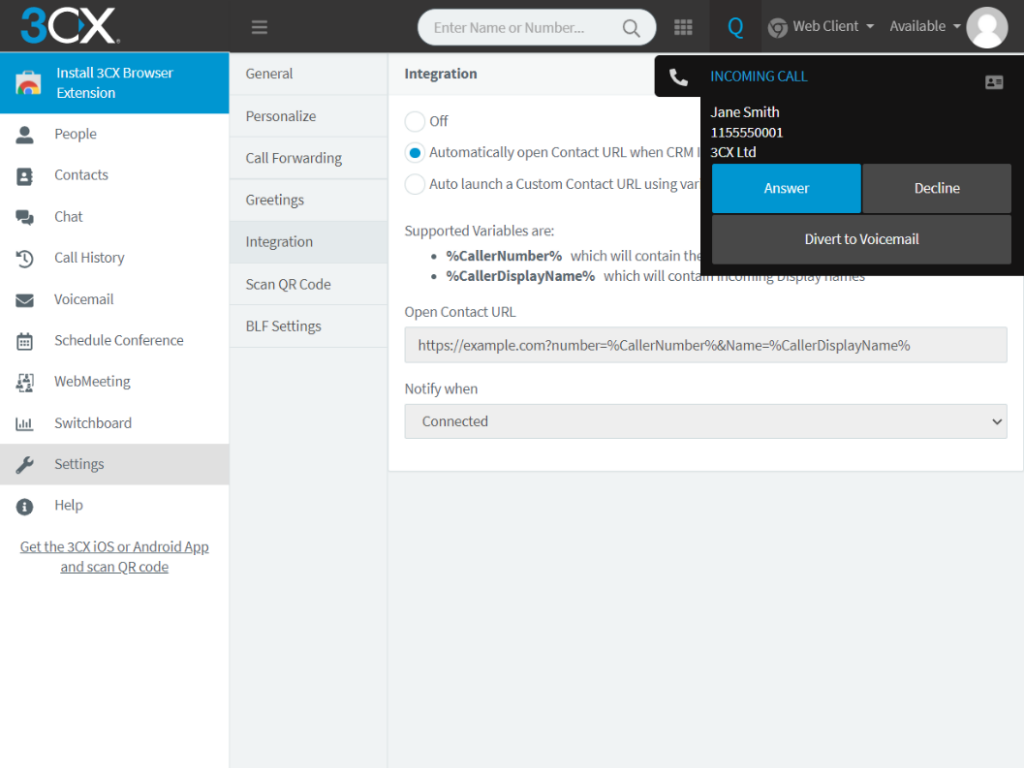
  • Call Pop-ups - When using the 3CX Web Client, the customer record is brought up to you automatically when you receive an inbound call.

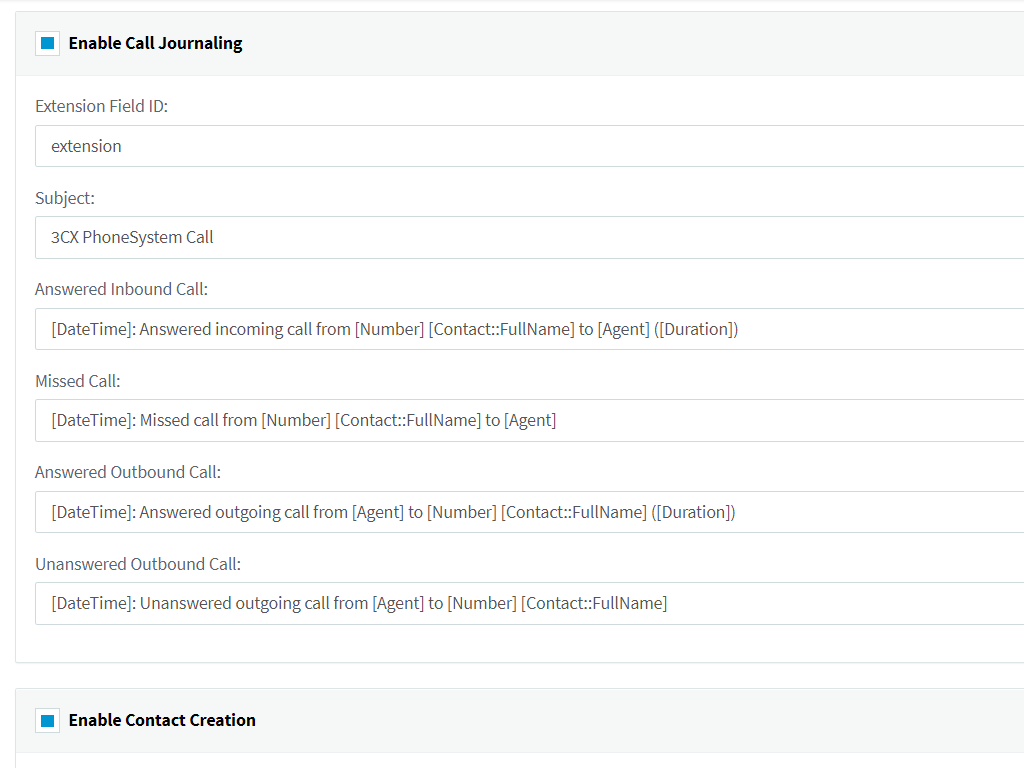
  • Call Journals - Calls are logged as tickets in Zendesk.

  • Create a new contact automatically when a call is received from an unknown number.

  • Click to Call - Launch calls straight from Zendesk via 3CX, using the 3CX Browser Extension.

This guide takes you through the steps required to setup your Zendesk account with 3CX.

Installatie-instructies

3CX Server Side Configuration

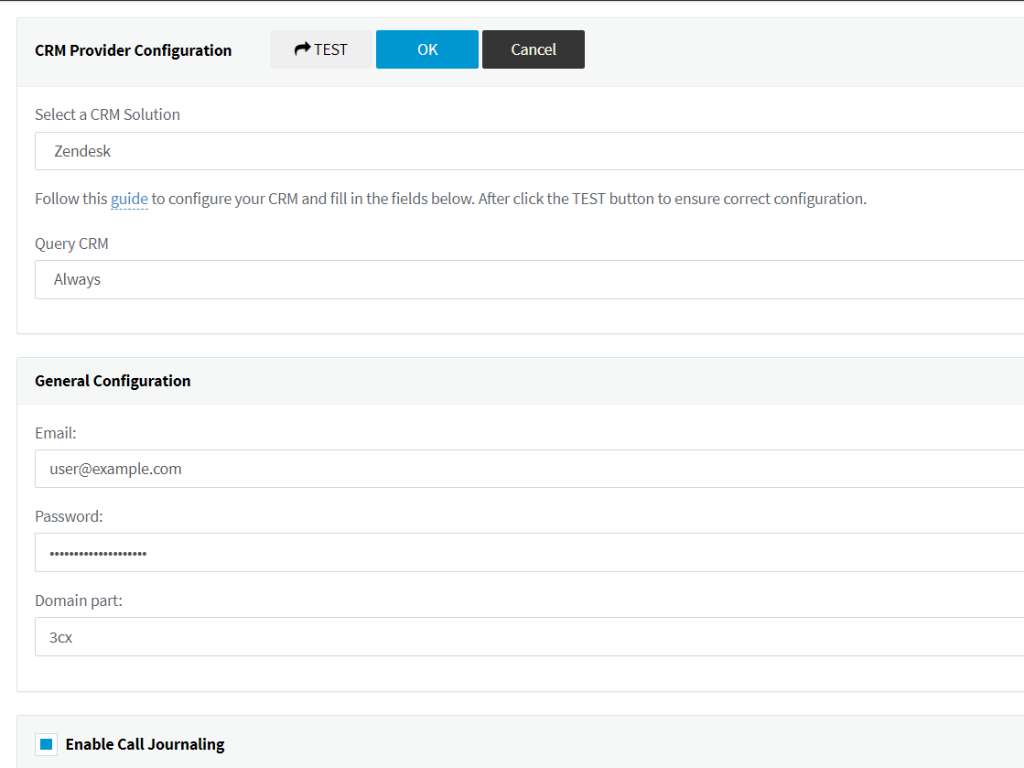
  1. Login to the 3CX management console > Settings > CRM Integration > Server Side tab.

  2. Select Zendesk from the dropdown list.

  3. Enter Email, Password and Domain part - for example, if your Zendesk URL is https://abc.zendesk.com then your domain part is 'abc'.

Wat mensen zeggen

Laat een beoordeling achter

Deel je ervaring met de rest van de Zendesk-community

.zendesk.com